








Pre-recording is available only when using Motion Detection and can be viewed exclusively during local playback. This feature is not supported for Smart Motion Detection (SMD), continuous recording, or through the Lorex app or cloud services. The duration of the pre-recorded footage may vary based on the recorder available cache memory at the time the event was detected, up to a maximum time set by the user.
Lorex products are designed for consumer and business use only and not for US federal governments,
federally-funded projects or contractors subject to NDAA.
All trademarks belong to their respective owners. No claim is made to the exclusive right to use the
trademarks listed, other than the trademarks owned by Lorex Corporation. We reserve the right to change
models, configurations or specifications without notice or liability. Product may not be exactly as
shown.
Apple, the Apple logo and AppleTV are trademarks of Apple Inc., registered in the U.S. and other
countries. App Store is a service mark of Apple Inc.
Google, Google Home, Google Play, Google Play logo, Google Assistant logo and Chromecast are trademarks
of Google Inc.
Amazon, Alexa and all related logos are trademarks of Amazon.com, Inc. or its affiliates.
Overview and Package Contents
-

NVR de sécurité
N910A62 -
NVR de sécurité
N910A61 -
Caméras de sécurité IP
E910AB -
Caméras de sécurité IP
E910DD
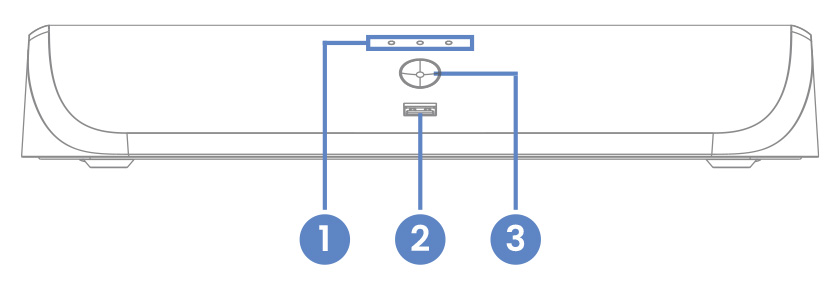
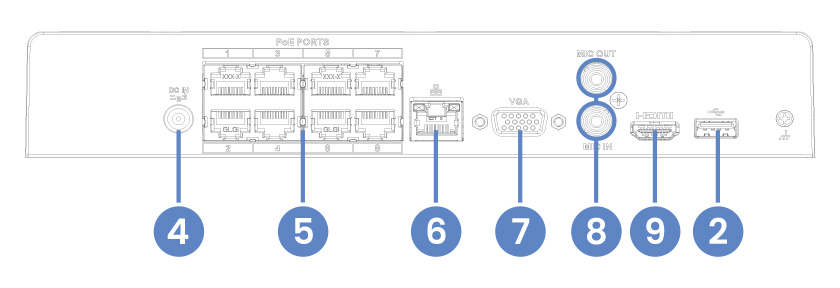
- Hard Drive, Power & Network Statuses
- USB Port
- Info / Panic Button
- Power Connection
- Camera Connection (PoE)
- Network Connection (LAN)
- Monitor Connection (VGA)
- Audio Out / In
- Monitor Connection (HDMI)
Package Contents:
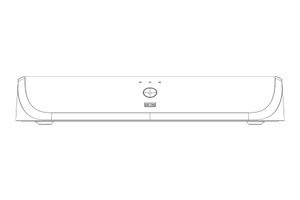
4K+ Fusion NVR
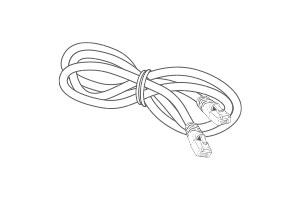
Ethernet Cable
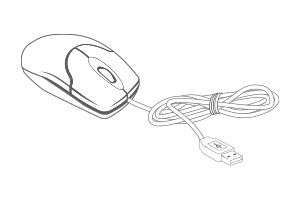
USB Mouse
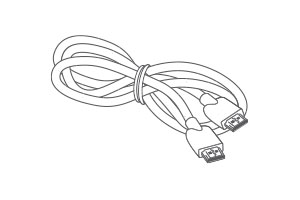
HDMI Cable
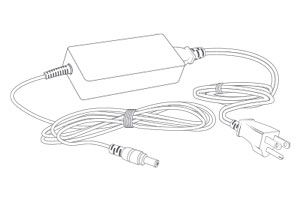
Power Adapter
- 4K (8MP) IP cameras are required to take advantage of 4K recording.
- Recording time may vary based on recording resolution and quality, lighting conditions and movement in the scene.
- Lorex Fusion supports compatible Lorex wired cameras and Wi-Fi devices with sufficiente signal strengh between the Wi-Fi devices and your Wi-Fi router. All cameras must be connected to the same network. For full details on Wi-Fi cameras compatibility and instructions, visit www.lorex.com/pages/fusion
- Controlling certain features in your security system requires a compatible smart device. Availability and performance of certain features and services are smart device dependent and may not be available in all areas or networks. For compatibility, features, and instructions visit www.lorex.com/smarthome
- Compatible with certain Lorex IP and select wireless cameras only. For a list of compatible cameras please visit www.lorex.com/compatibility
- Accessing your security system remotely requires a high-speed Internet connection. Ensure your NVR has a wired connection to a router (not included). A minimum upload speed of 6Mbps is recommended for reasonable video performance.
- HDMI output supports 4K HD for high definition multi-channel live or recorded video viewing. Image quality and resolution is dependent on the type of camera connected to the NVR, as well as TV/monitor resolution.
- Detection types need to be supported by the camera.
- Hard Drive, Power & Network Statuses
- USB Port
- Info / Panic Button
- Power Connection
- Camera Connection (PoE)
- Network Connection (LAN)
- Monitor Connection (VGA)
- Audio Out / In
- Monitor Connection (HDMI)
Package Contents:
4K+ Fusion NVR
Ethernet Cable
USB Mouse
HDMI Cable
Power Adapter
- 4K (8MP) IP cameras are required to take advantage of 4K recording.
- Recording time may vary based on recording resolution and quality, lighting conditions and movement in the scene.
- Lorex Fusion supports compatible Lorex wired cameras and Wi-Fi devices with sufficiente signal strengh between the Wi-Fi devices and your Wi-Fi router. All cameras must be connected to the same network. For full details on Wi-Fi cameras compatibility and instructions, visit www.lorex.com/pages/fusion
- Controlling certain features in your security system requires a compatible smart device. Availability and performance of certain features and services are smart device dependent and may not be available in all areas or networks. For compatibility, features, and instructions visit www.lorex.com/smarthome
- Compatible with certain Lorex IP and select wireless cameras only. For a list of compatible cameras please visit www.lorex.com/compatibility
- Accessing your security system remotely requires a high-speed Internet connection. Ensure your NVR has a wired connection to a router (not included). A minimum upload speed of 6Mbps is recommended for reasonable video performance.
- HDMI output supports 4K HD for high definition multi-channel live or recorded video viewing. Image quality and resolution is dependent on the type of camera connected to the NVR, as well as TV/monitor resolution.
- Detection types need to be supported by the camera.
Lorex products are designed for consumer and business use only and not for US federal governments, federally-funded projects or contractors subject to NDAA.
All trademarks belong to their respective owners. No claim is made to the exclusive right to use the trademarks listed, other than the trademarks owned by Lorex Corporation. We reserve the right to change models, configurations or specifications without notice or liability. Product may not be exactly as shown.
Apple, the Apple logo and AppleTV are trademarks of Apple Inc., registered in the U.S. and other countries. App Store is a service mark of Apple Inc.
Google, Google Home, Google Play, Google Play logo, Google Assistant logo and Chromecast are trademarks of Google Inc.
Amazon, Alexa and all related logos are trademarks of Amazon.com, Inc. or its affiliates.
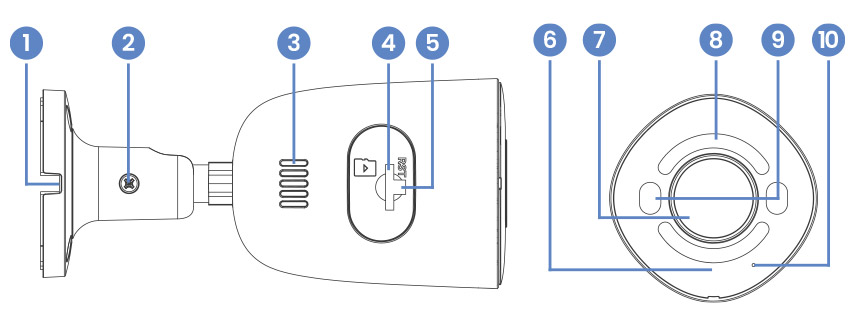
- Cable Notch
- Adjustment Screw
- Speaker
- MicroSD Card Slot
- Reset Button
- IR (Infrared) Light
- Camera Lens
- Smart Security Lighting
- Warning Lights
- Microphone
Package Contents:
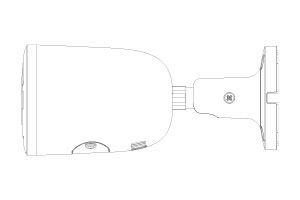
4K+ Bullet IP Camera
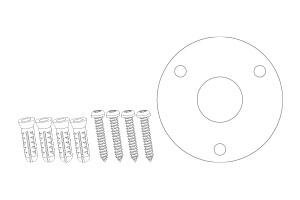
Mounting Kit
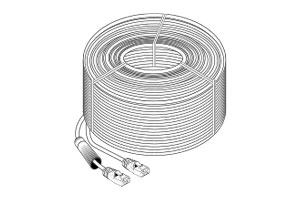
Ethernet Extension Cable*
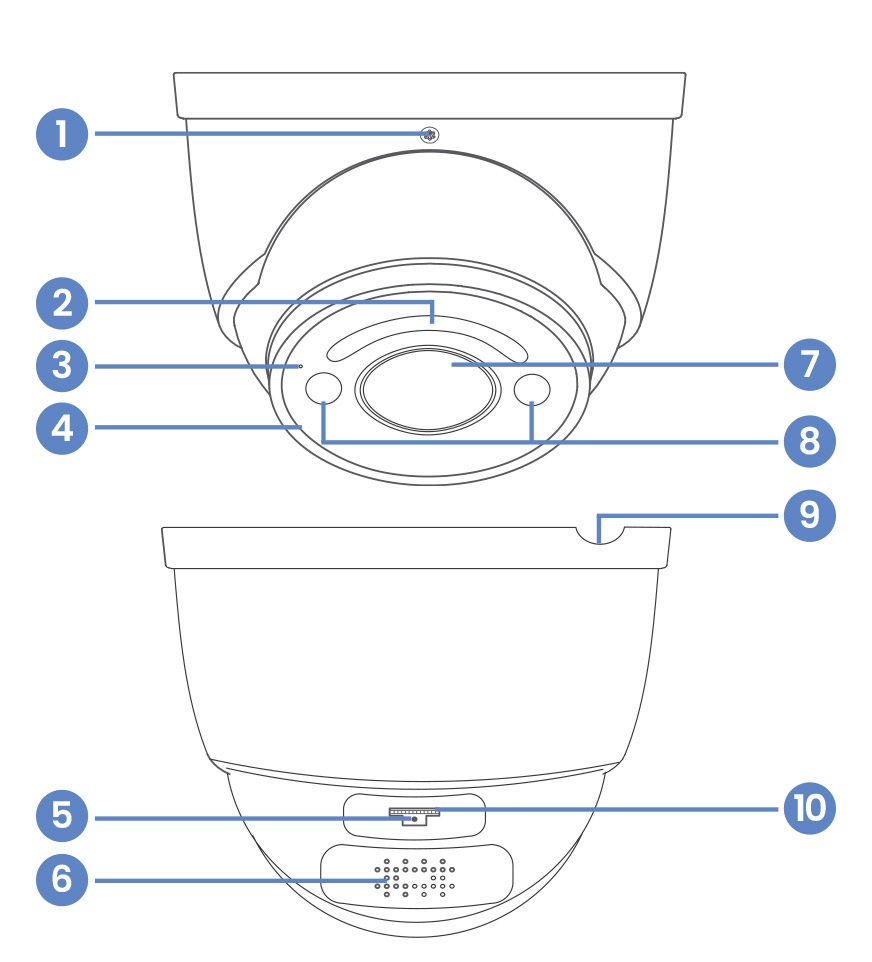
- Adjustment Screw
- Smart Security Lighting
- Microphone
- Infrared (IR) Light
- Reset Button
- Speaker
- Camera Lens
- Warning Lights
- Cable Notch
- MicroSD Card Slot
Package Contents:
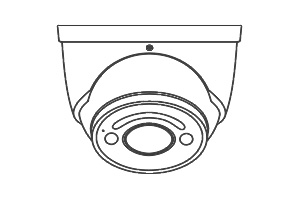
4K+ Dome IP Camera
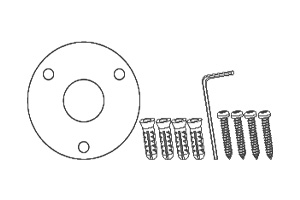
Mounting Kit
Ethernet Extension Cable*