

Works great. Easy to set
"Works great. Easy to set up. Easy to operate. Plenty of options and settings to tweek to better use."

Free shipping on all orders

No Monthly Fees
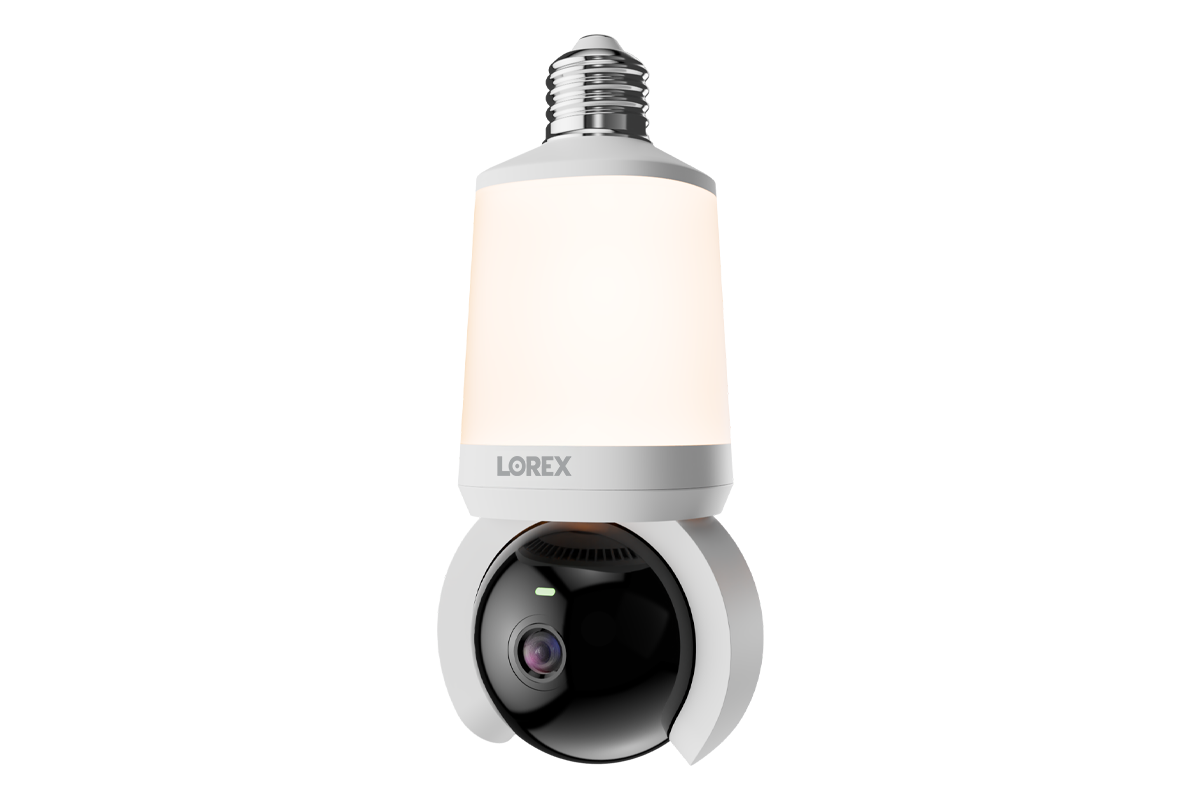
Smart Lightbulb
SKU: SKU: SL301A-46W-AA1

Couldn't load pickup availability
More details
In stock
SKU: OC101A-BDW-AF1
In stock
SKU: IC101A-PCW-AF1


In stock
SKU: FL301A-DBW-AA1

In stock
SKU: IC501A-PSW-AE1
Low stock: 35 left
SKU: CN251A-1BW-AB1
Out of stock
SKU: CN251A-1TW-AB1
In stock
SKU: CN201A-1TW-AB1
In stock
SKU: CN201A-1BW-AB1
Low stock: 50 left
SKU: RN201A-82B-AB1
Low stock: 17 left
Out of stock
Low stock: 50 left
Low stock: 50 left

In stock

In stock

In stock
SKU: RN301A-81W-AB1

In stock
SKU: CA101A-1TW-AB1

In stock
SKU: CA501A-1TW-AB1

In stock
SKU: RD701A-61B-AB1

Out of stock
SKU: RD501A-81B-AB1

Out of stock

In stock

Out of stock

In stock

In stock
SKU: RD101AB-41T-E
In stock
In stock
SKU: CNX01P-DPW-AB1

In stock
SKU: RNU01P-64B-AB1

In stock
SKU: RNU01P-C8B-AB1
In stock

In stock
In stock

In stock

In stock

In stock

In stock

In stock

In stock

Low stock: 36 left

In stock

In stock
In stock
SKU: SL301A-46W-AA1

In stock

In stock

In stock

In stock
In stock
In stock
SKU: CNU01P-1SW-AB1

In stock

In stock
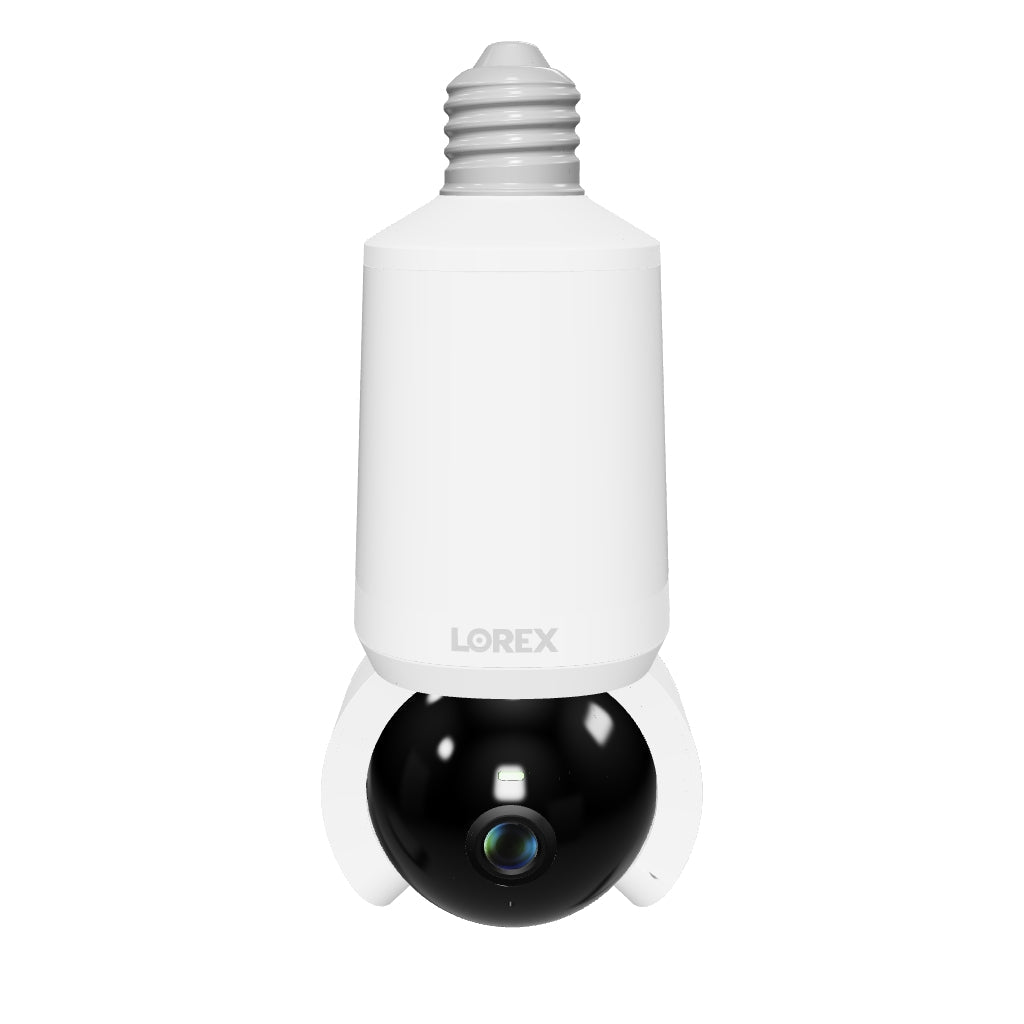
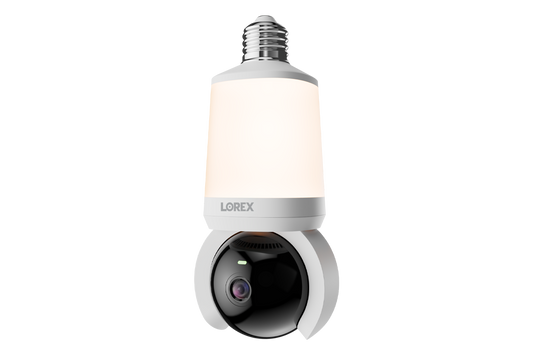
2K Wi-Fi Smart Lightbulb Pan-Tilt Camera
Overall rating: 3.9411764 / 5 from 51 reviews.
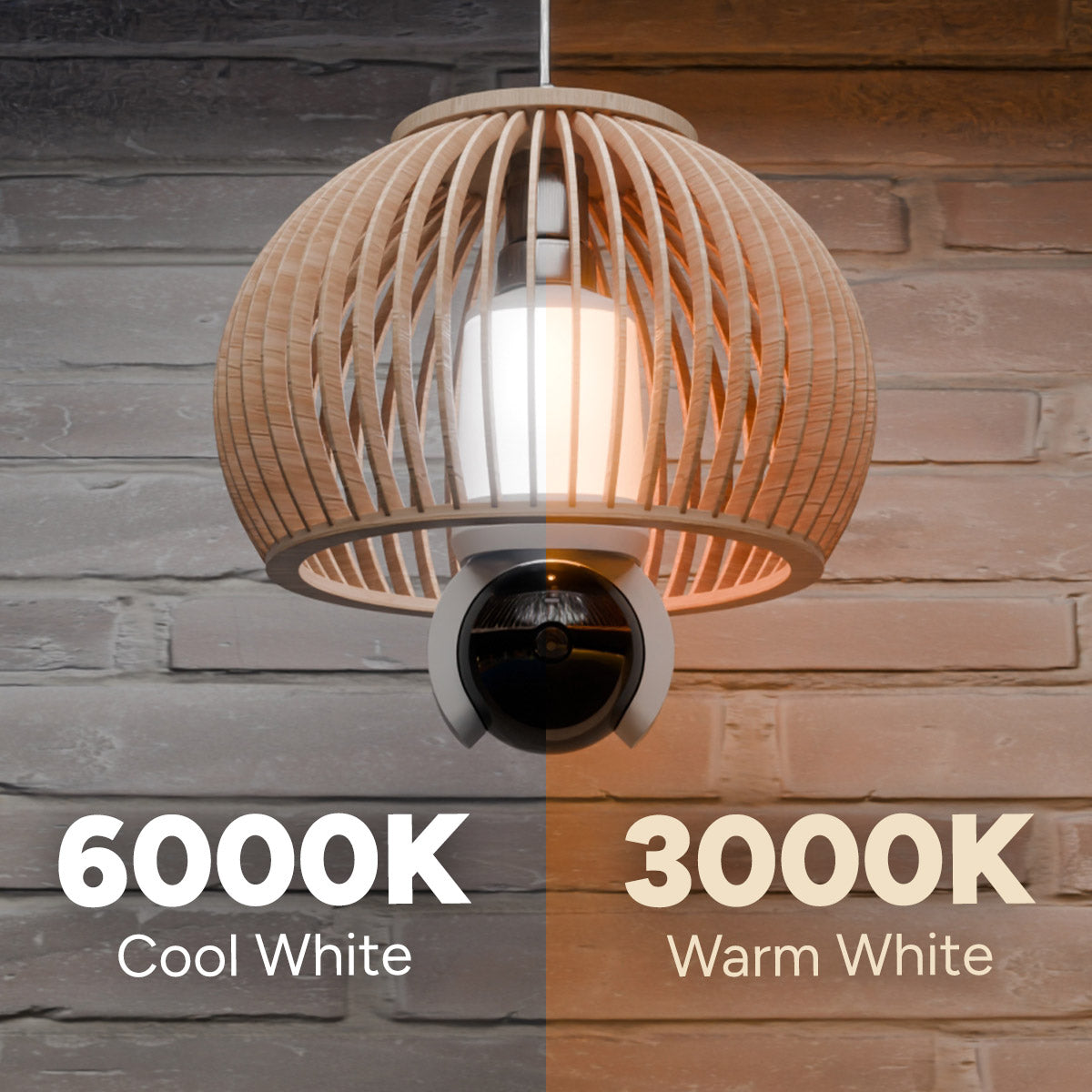
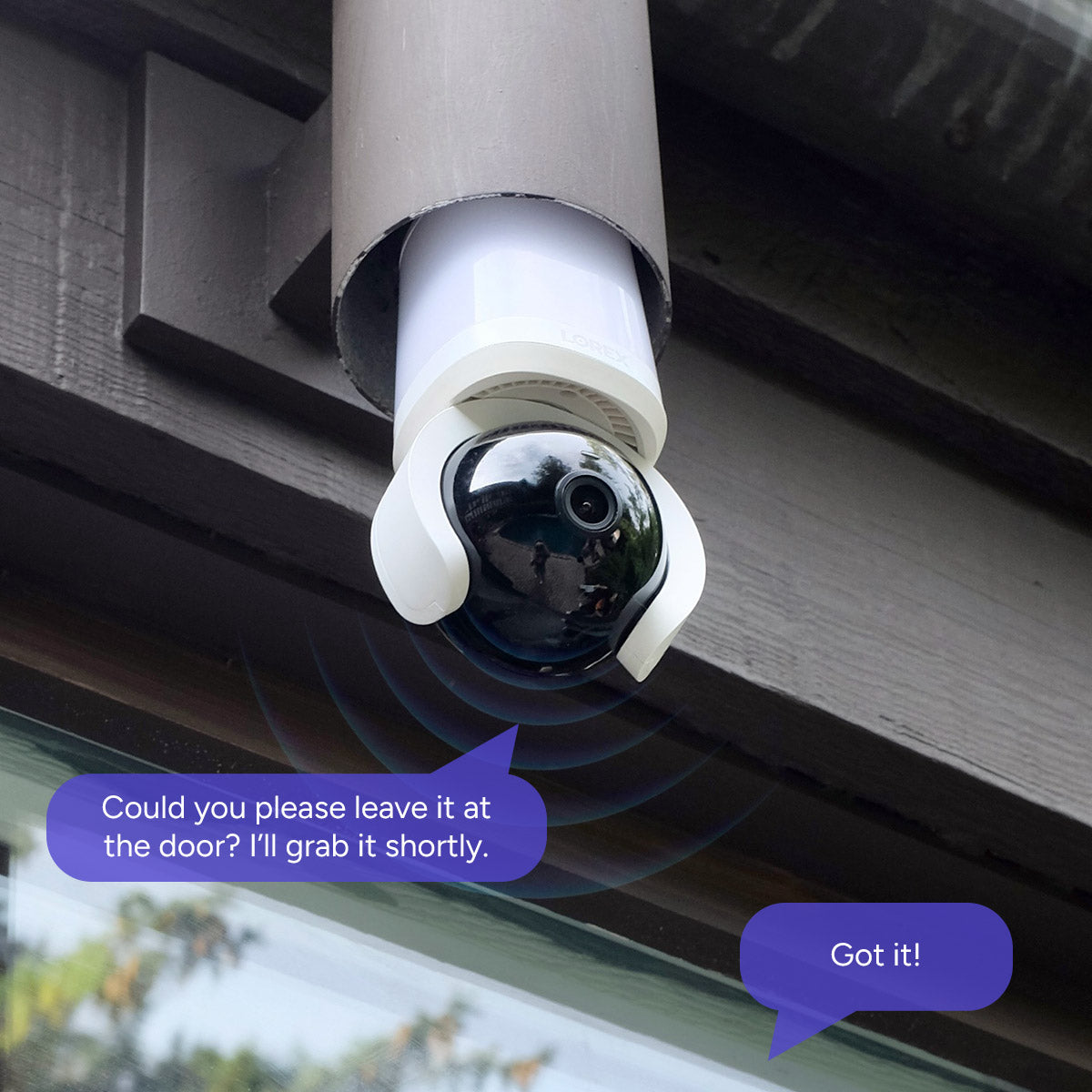
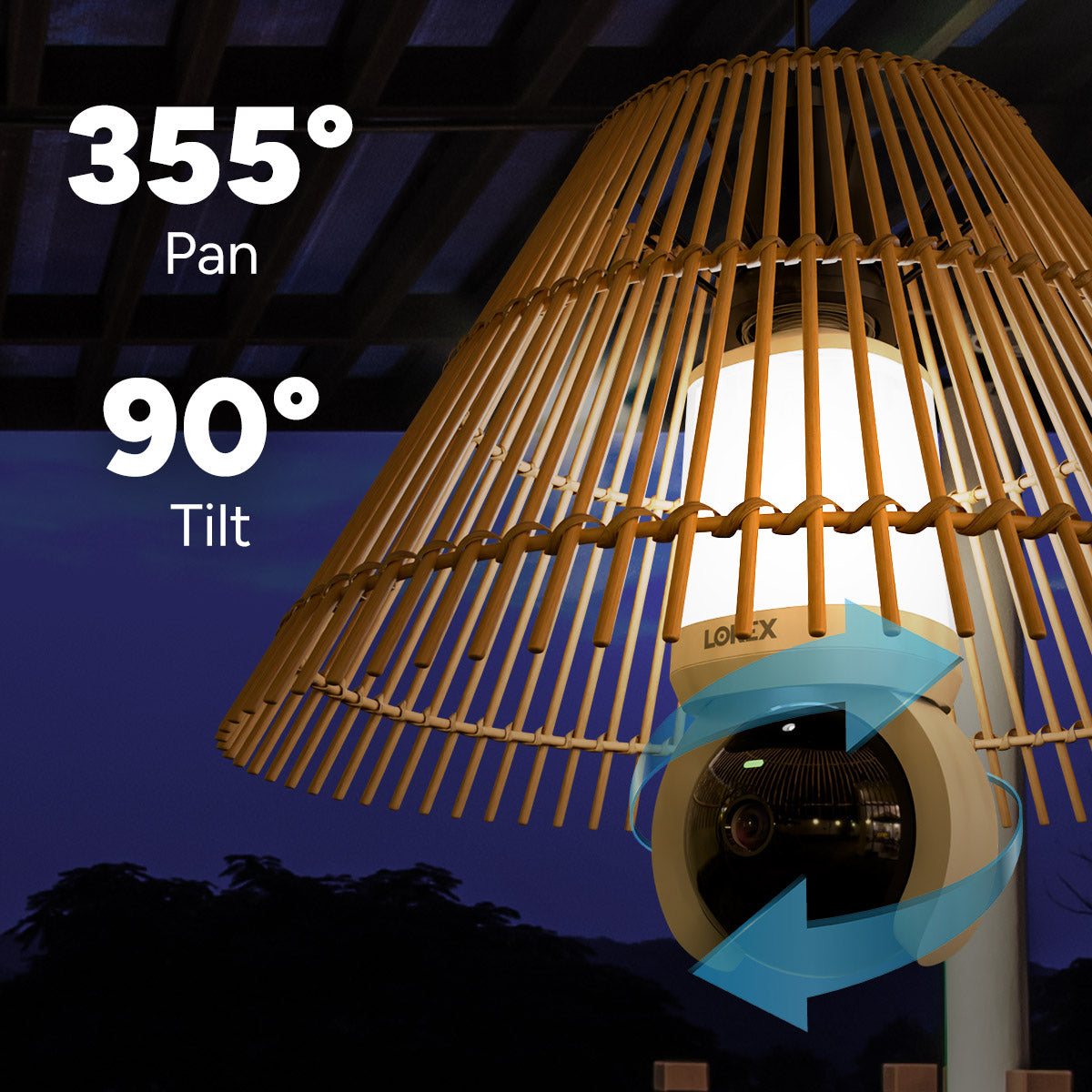
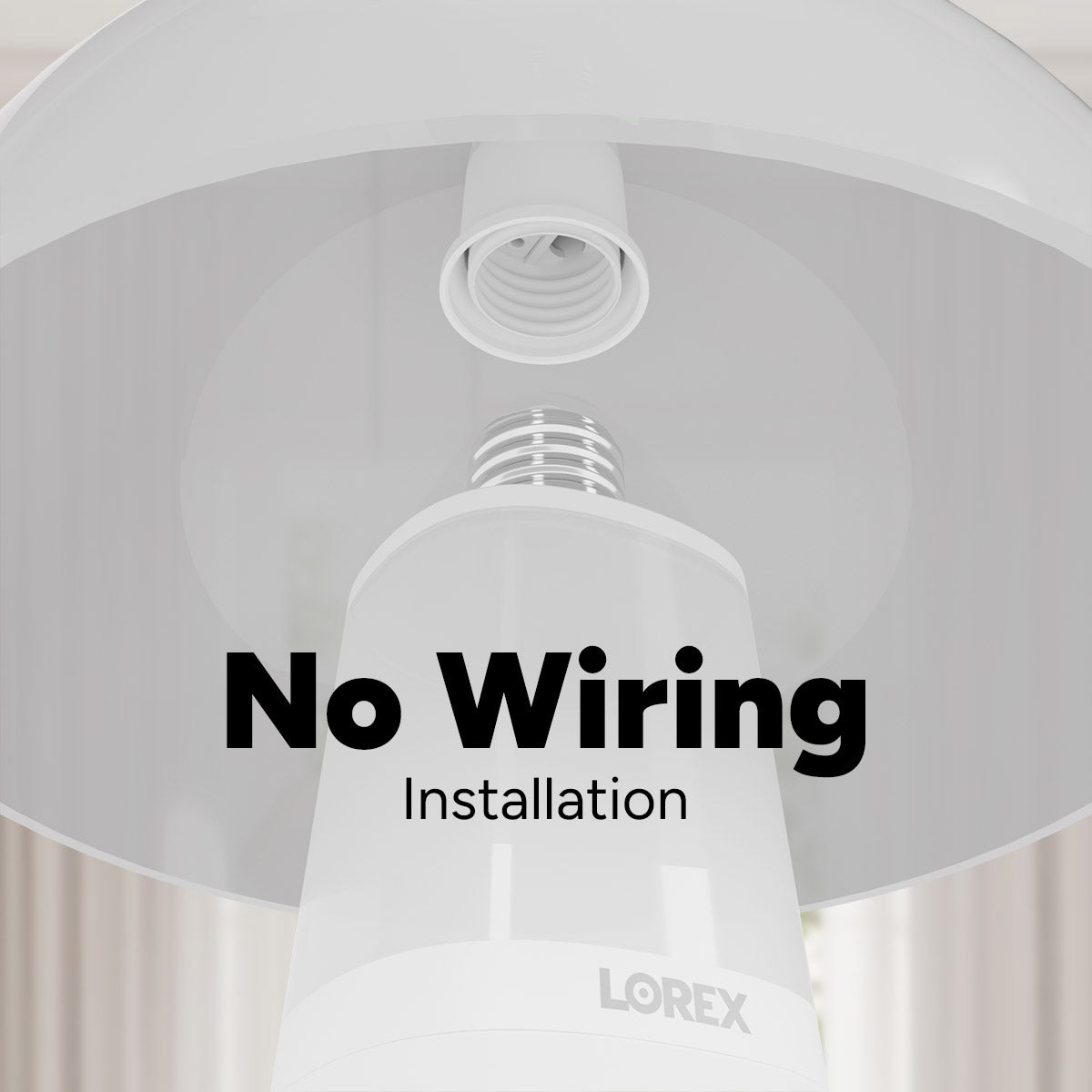
The Lorex Connect 2K Wi-Fi Lightbulb Camera offers a hassle-free setup with no wiring required. Users appreciate its ease of installation and the ability to control it via the Lorex Connect app. The camera features smart lighting, adjustable color temperatures, and Wi-Fi 6 connectivity, providing both security and lighting solutions. Picture quality is generally good, though some issues arise during dusk. The pan-tilt feature is a notable highlight.
Review topics: ["results","quality","light","feel","features","setup","installation","works","instructions","wires","value","price","power","functionality","documentation","cameras","service","screws","communication","app","fit","bulb","picture","device","pan","socket","issues","night vision","system","notifications"].
"Works great. Easy to set up. Easy to operate. Plenty of options and settings to tweek to better use."
— Tom R. (5/5)
"Concept is good, for me. 360° panning camera that installs into light socket. Unfortunately the hardware & software has several shortcomings. Squirrels market as persons, shadows same. Missed persons. Notifications not stored to SD card. Deleting stored videos is not ideal. I could go on."
— Marc T. (3/5)
"The website and marketing material didn’t state continuous recording was not available."
— John S. (2/5)
"I bought this product with high hopes, but unfortunately, it started malfunctioning within just seven days. The notifications are unreliable, and it frequently fails to record important events. For example, when I walk toward my car, it detects and records me, but then fails to capture the car leaving. Similarly, when a vehicle enters my driveway, it records the vehicle arriving but often does not record the people getting out of the vehicle afterward. These are exactly the types of events I expected the device to capture. Missing important activity like this makes it difficult to rely on the product for security purposes. It has been extremely frustrating, especially considering it started happening within the first week of use."
— A C. (1/5)
"All my devices on the new app seem to be working okay but there are issues within the app for the cameras which means that there are windows popping up and blocking certain windows.."
— Stephen M. (5/5)
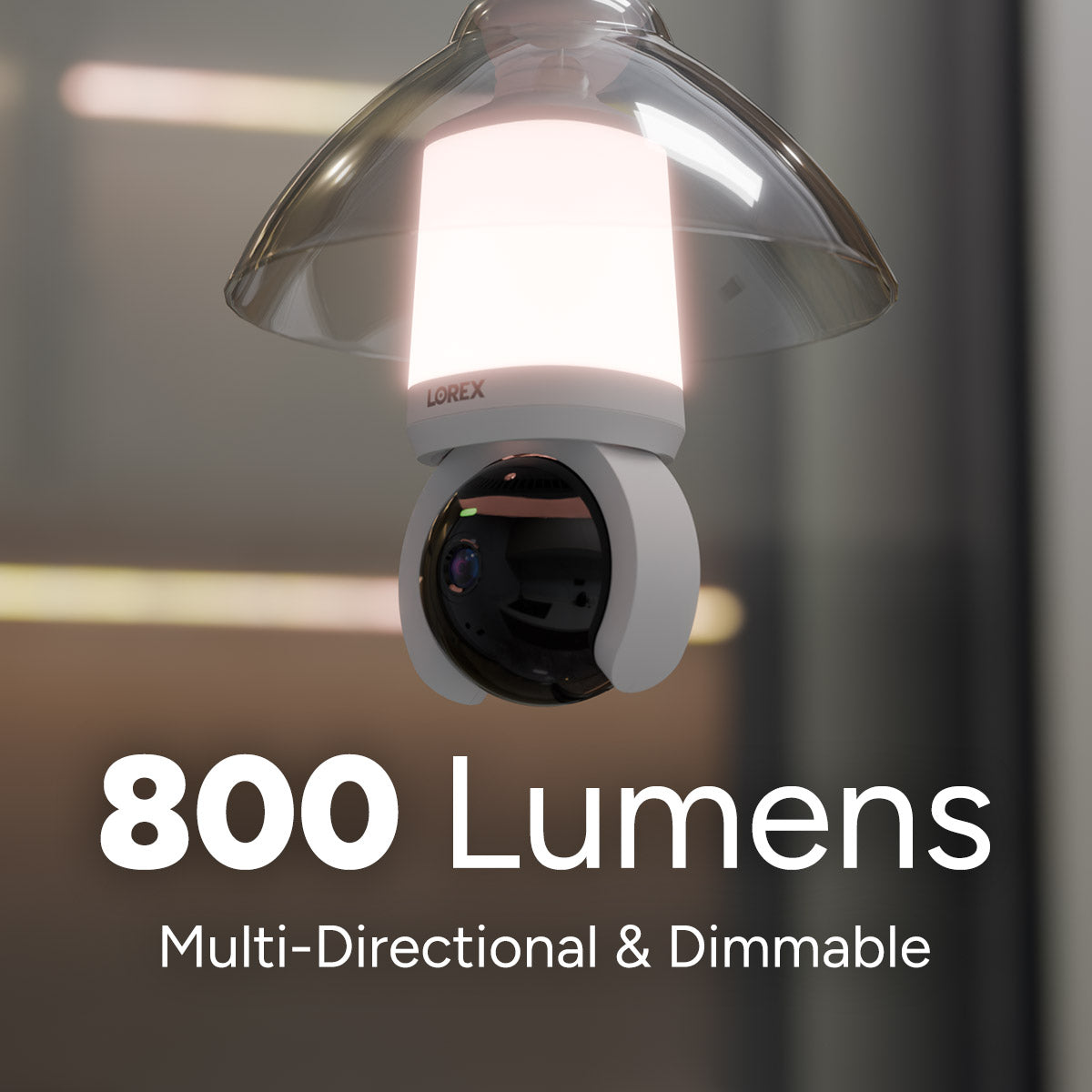
"La caméra Lorex a l'avantage d'être compatible avec Lorex Cloud. La qualité des images est excellente. J'apprécie la lampe de 800 lumens. Installation très facile. Couvre le champ de vision désiré."
— Dominique V. (5/5)
"Simple and easy. Works great!"
— Phillip M. (5/5)
"Works well and easy to set up on Lorex Connect. 2K camera meets expectations and would order again."
— Ross K. (5/5)
"I was wondering if it was compatible with the Lorex classic app ?"
— Max (5/5)
"Super good. Easy install your going to love it."
— Vincent A. (5/5)
You have copied the placement for the Product Page.
Go back to the App Embeds section, and in the Paypal Advanced Settings, paste the copied value into the Product Page field and click the 'Save' button in the top right corner.