





1. 4K (8MP) IP cameras are required to take advantage of 4K recording.
2. Accuracy of Advanced Person and Vehicle Motion Detection will be influenced by multiple factors, such as the object's distance from the camera, the size of the object, and the height and angle of the camera. Night vision will also impact the accuracy of detection.
3. Accessing your security system remotely requires a high-speed Internet connection. Ensure your NVR has a wired connection to a router (not included). A minimum upload speed of 5Mbps is recommended for reasonable video performance. Up to 3 devices may connect to the system at the same time. For the latest list of supported apps and devices, please visit www.lorex.com/compatibility
4. Compatible with certain Lorex IP cameras only. For a list of compatible cameras please visit www.lorex.com/compatibility
5. HDMI output supports 4K HD for high definition multi-channel live or recorded video viewing. Image quality and resolution is dependent on the type of camera connected to the NVR, as well as TV/monitor resolution.
6. Both firmware and software must be updated to latest version to ensure remote connectivity.
7. A 2×4TB or 1×8TB may be provided, depending on product configuration.
32-channel 4K Nocturnal IP System with Sixteen 4K Smart IP Motorized Varifocal Security Cameras
32-channel 4K Nocturnal IP System with Sixteen 4K Smart IP Motorized Varifocal Security Cameras
SKU: SKU: 4KHDIP3216Ni-2


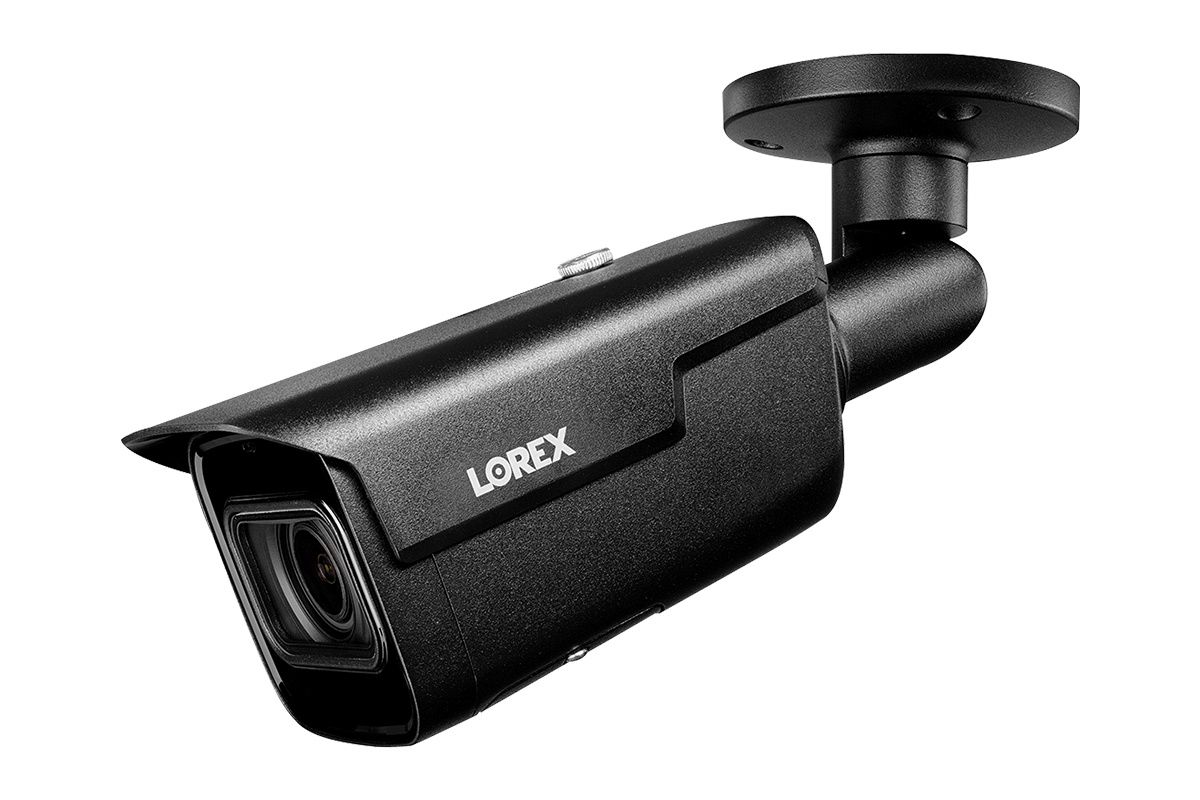
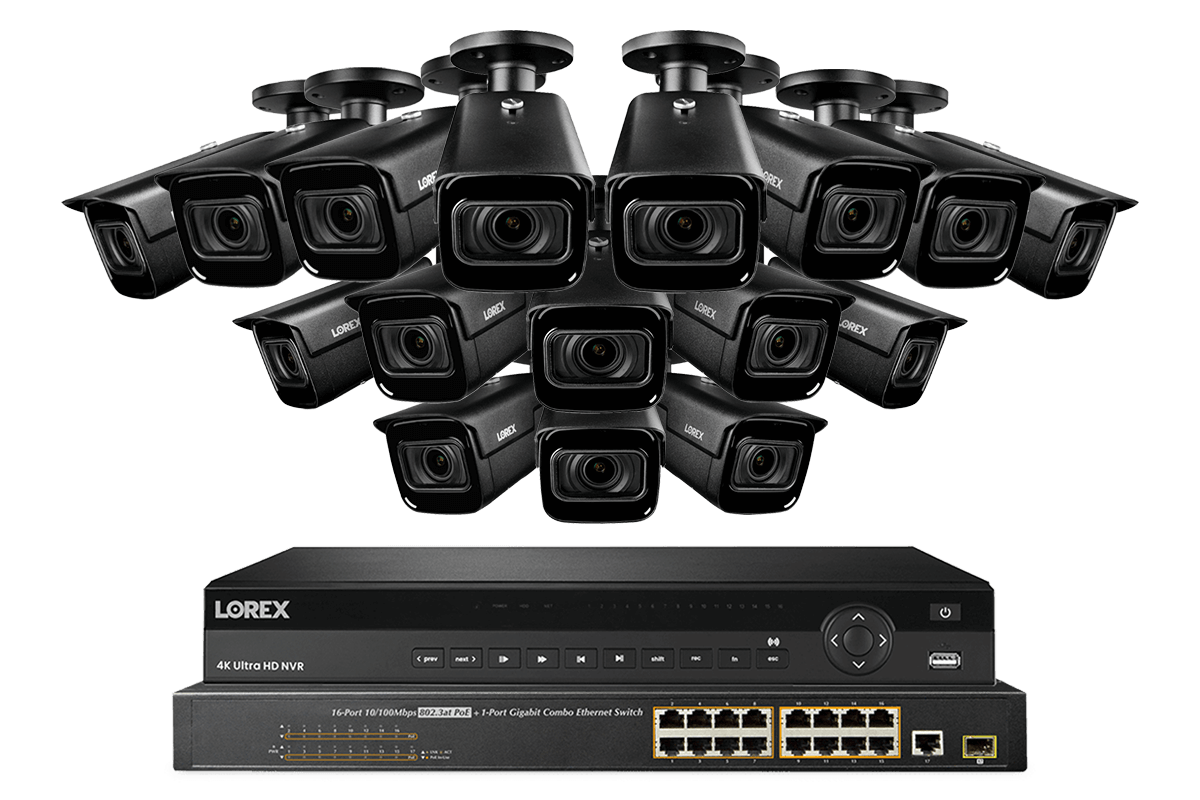
Know that your property is protected while you're there and while you're away thanks to this Nocturnal security camera system from Lorex. This system includes sixteen security cameras, a 32-channel Network Video Recorder (NVR), and a 16-channel PoE switch. Along with 4K recording resolution, long night vision range, and extreme weather performance, these security cameras include motorized zoom lenses that allows you to adjust the camera's field of view to suit your monitoring needs. With sixteen open channels, this expandable system is suited for any large property.
16
CAMERAS
16 × bullet 4K (8MP)
Nocturnal 3.0 cameras
150FT
NIGHT VISION
Maximum Night
Vision Range
8TB
HARD DRIVE
Expandable up to
2 × 10TB
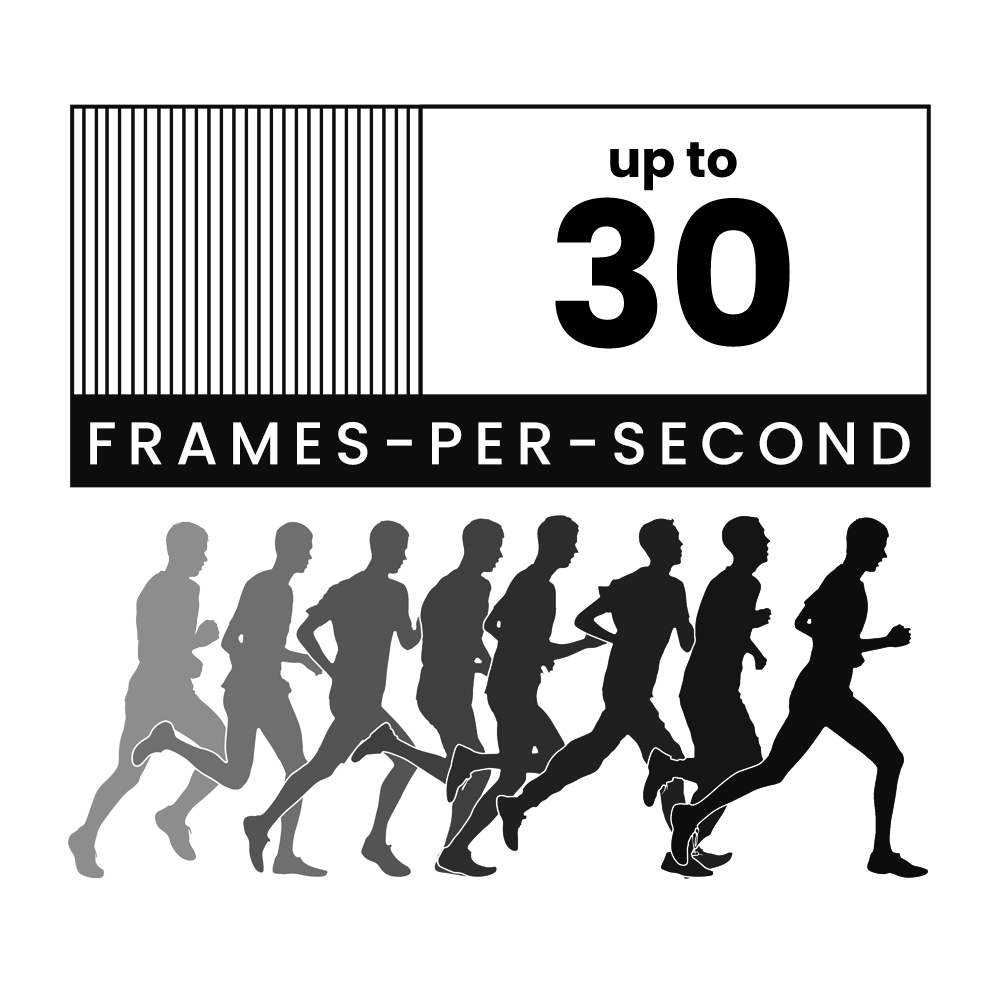
Don't miss a moment with our Real-Time 4K Nocturnal Security Cameras. With 30 frames recorded within each second, the on-screen movement will look like you are witnessing events in real life.*
These Nocturnal 3.0 security cameras feature our revolutionary Color Night Vision™ (CNV) technology, which will produce full-color video with the help of external lighting around the camera.
Add another layer of security coverage with our Nocturnal audio security cameras. Adding audio can add valuable information (such as voices) to your security system**.
*When Smart Motion Detection is enabled, the camera's recording frame rate is reduced from 30 frames per second to 20 frames per second.
**Audio recording is disabled by default. Audio recording without consent is illegal in certain jurisdictions. Lorex Technology does not assume liability for any use of its products that fails to conform with local laws.
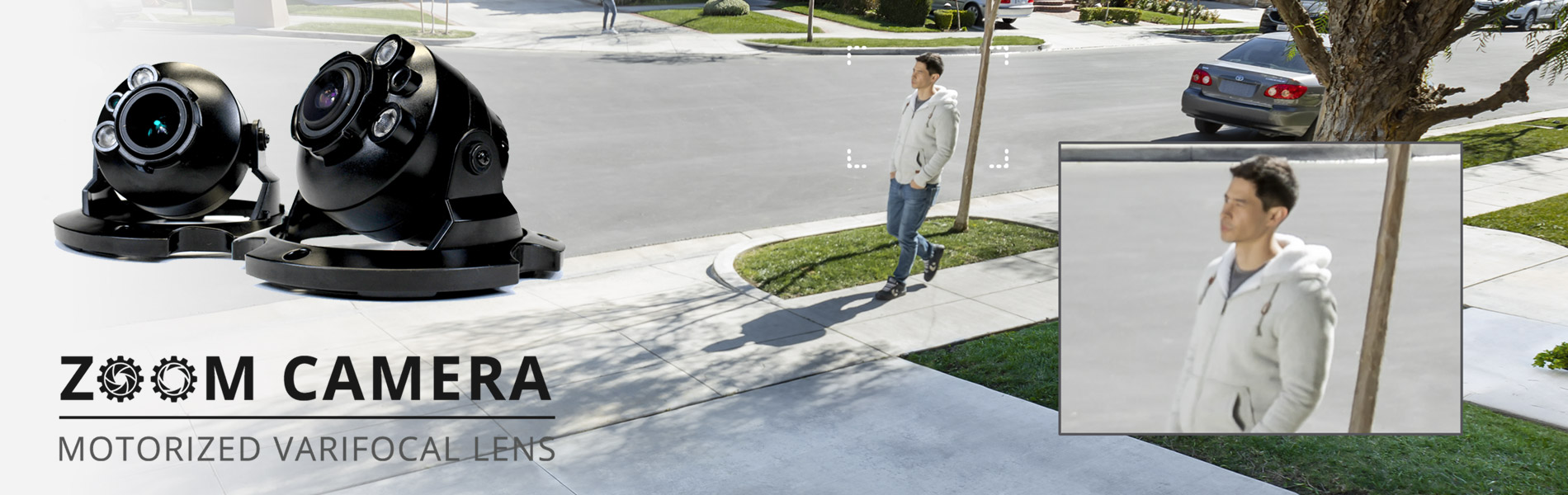
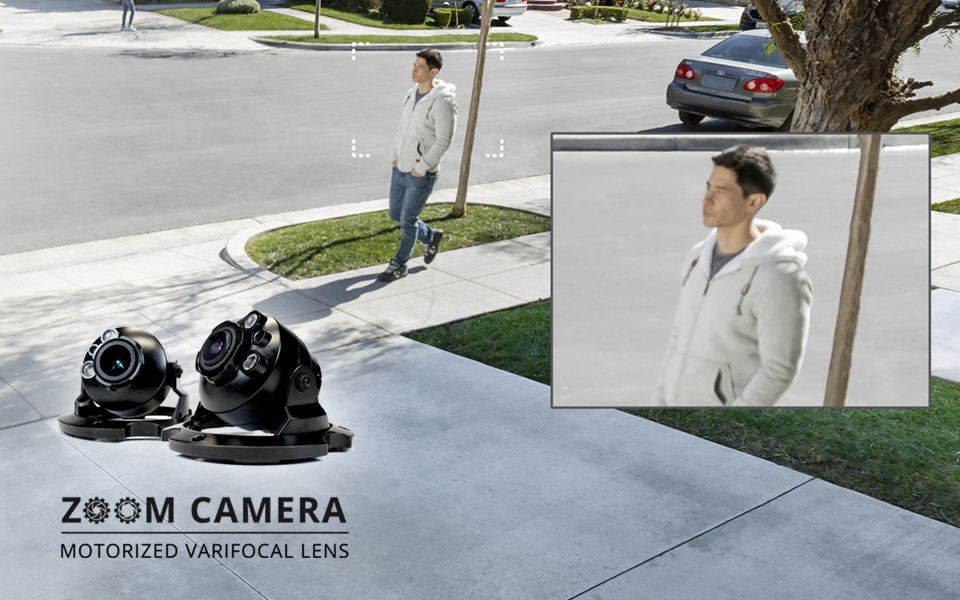
4× Optical Zoom Security Camera
Varifocal cameras are able to zoom in and out using their 4× optical zoom lenses. Optical zooms mean that no video quality is lost when you are zoomed in, making these cameras extremely versatile.
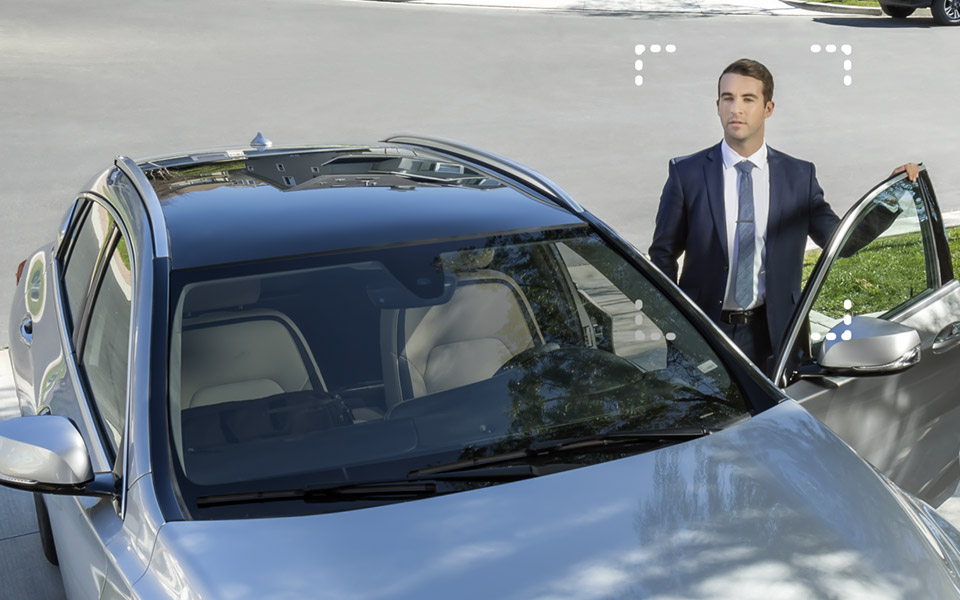
Smart Motion Detection
This system comes with advanced person and vehicle detection that helps identify more important objects that enter the camera's field of view. Thanks to this innovative feature, you will only get a push notification to your Lorex Cloud app whenever motion from a person or vehicle is detected on your property. This effectively reduces the number of unwanted false alerts caused by moving branches or animals.

Ultra HD
Resolution
Nocturnal security cameras use an 8MP image sensor that delivers exceptionally detailed 4K Ultra HD resolution video.

Long-range
IR night vision
This camera will use it's infrared LEDs in regular nighttime conditions that are too dark for CNV to render full-color images.

High Dynamic
Range (HDR)
HDR improves video clarity in high-contrast lighting, revealing details in extremely bright and dark areas of the image.

High Efficiency
Video Coding (HEVC)
HEVC compresses video file sizes without any noticable difference in quality, which will save you lots of hard drive space.

Full Metal
Exteriors
Heavy-duty aluminum exteriors will extend the life-cycle so you can count on years of uninterupted service.

Easy PoE
Installation
IP cameras only need a single Cat5e ethernet cable to connect it to a compatible NVR for video, power and a stable network connection.
All-weather security camera
Rated IP67, Nocturnal security cameras can endure anything from torrential downpours to freezing snowstorms. So go ahead and place these security cameras where you need them most.
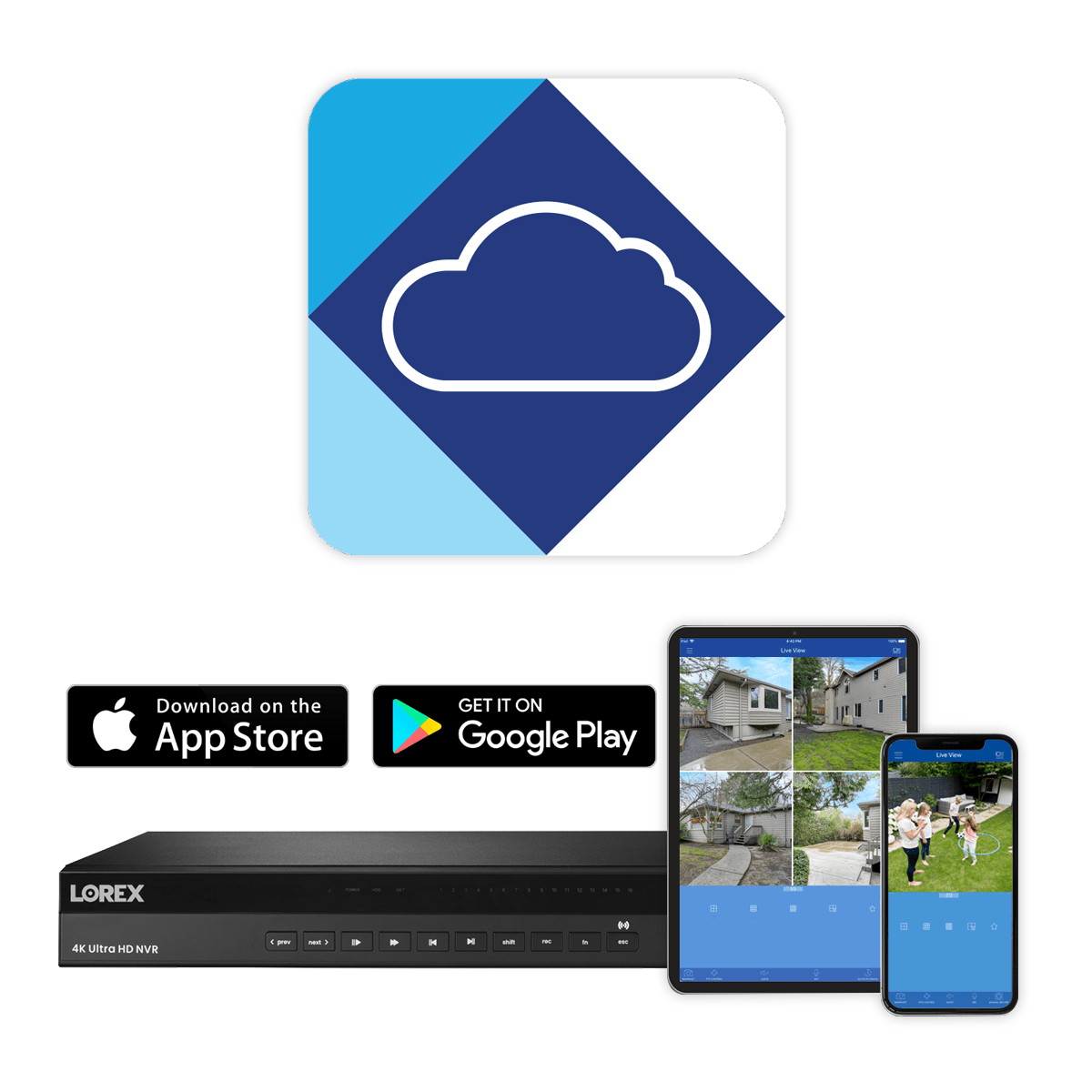
Remote mobile viewing with Lorex Cloud App
Always have your security system at your fingertips with the Lorex Cloud&trade app for your mobile device. Connect your NVR to Lorex Cloud™ and securely access your system no matter where you are in the world. See what your cameras see, watch recorded playback, and receive push notifications for motion-triggered events with the help of this app.
Works With




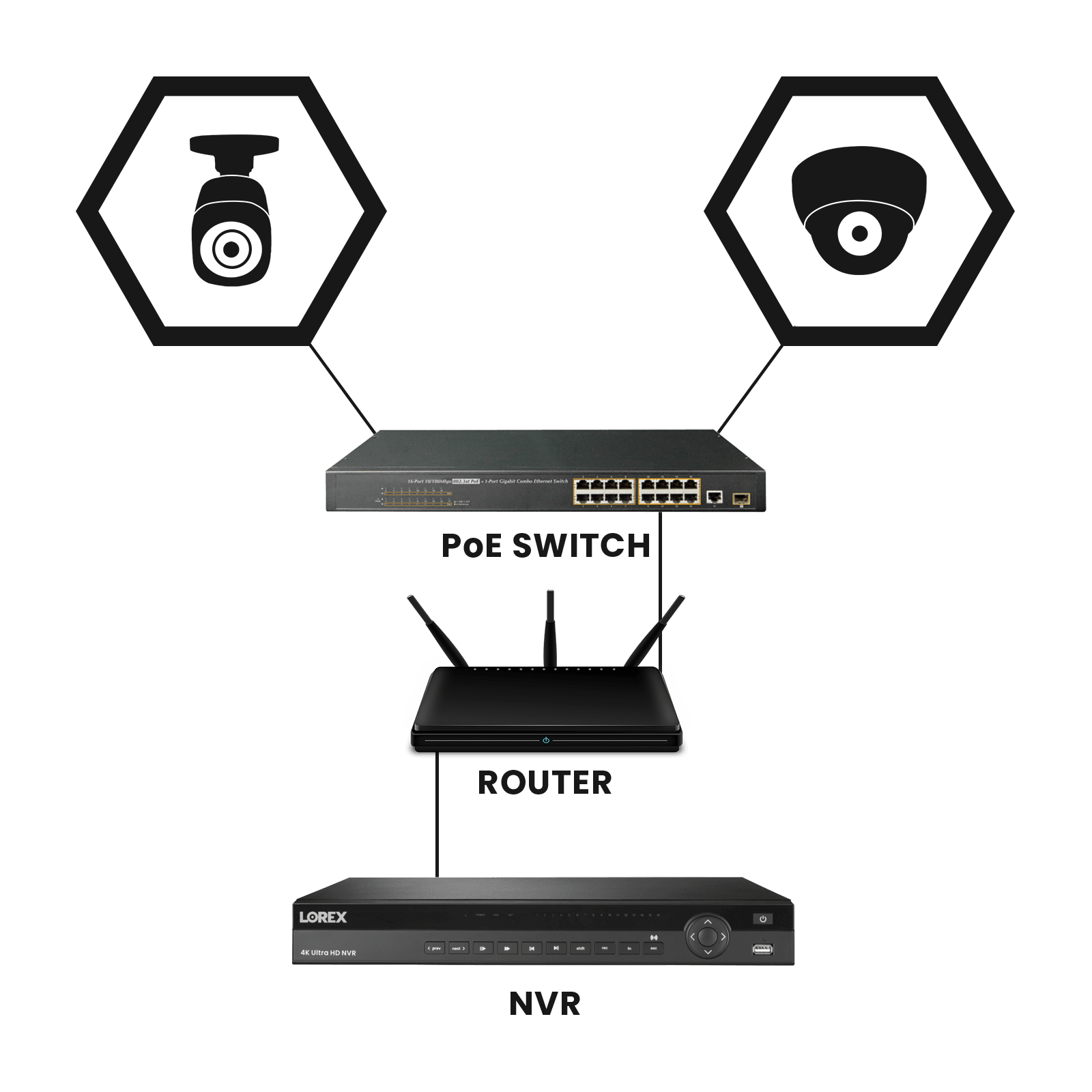
What is the included PoE switch for?
The 32-channel NVR supports up to 32 security cameras but only has 16 built-in PoE ports on the back. This is why a PoE switch has been included in this system. By connecting this PoE switch to your system you can utilize the remaining open channels.
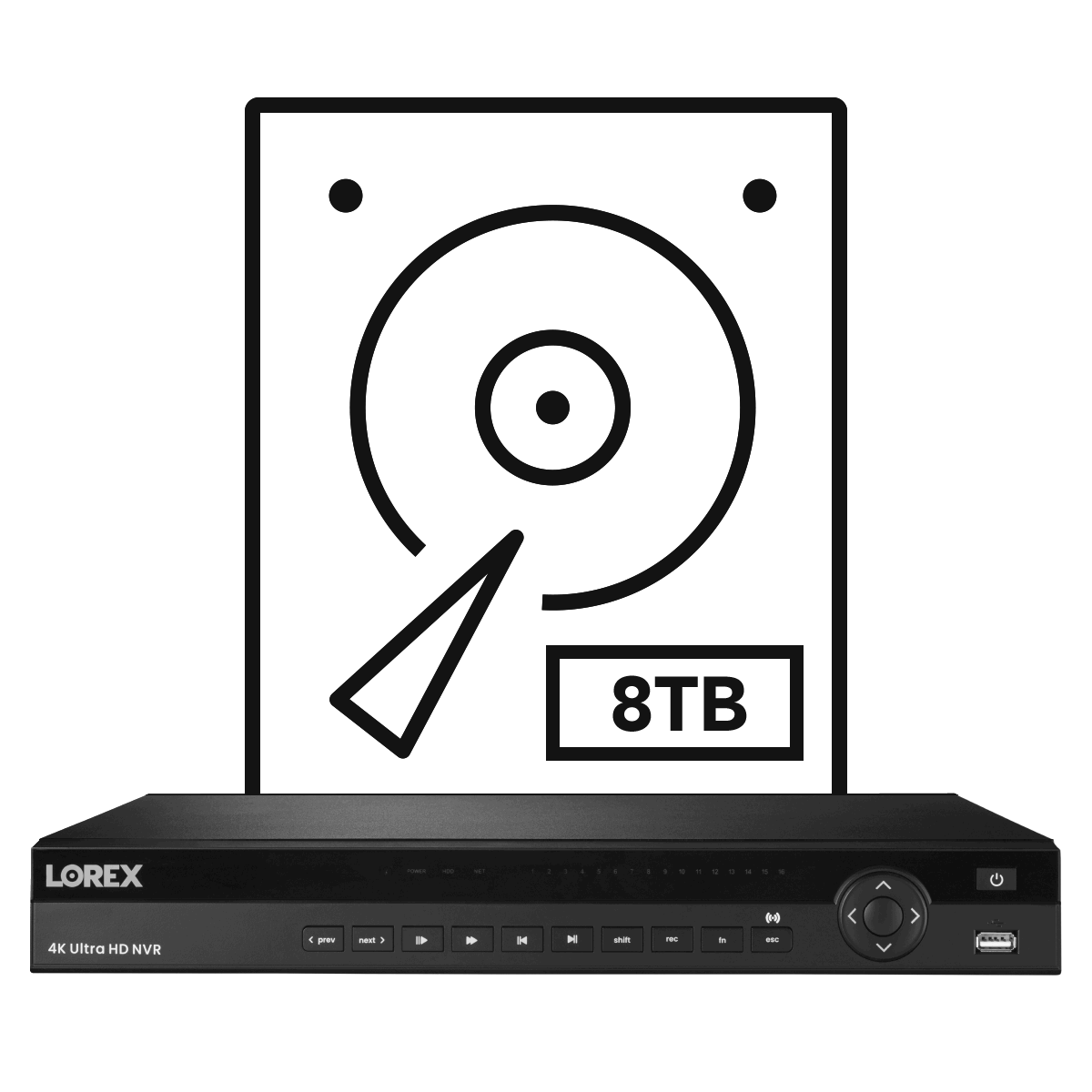
Reliable security-grade hard drive preinstalled
A 8TB security grade hard drive (expandable up to 2 × 10TB) comes preinstalled within this NVR. Designed to meet the high workload demands of continuous security monitoring, this heavy-duty hard drive can reliably record weeks (even months) of footage without taking a break. All recorded footage is then safely stored on the hard drive where only you can access it, so there are no surprise fees or monthly cloud subscriptions.
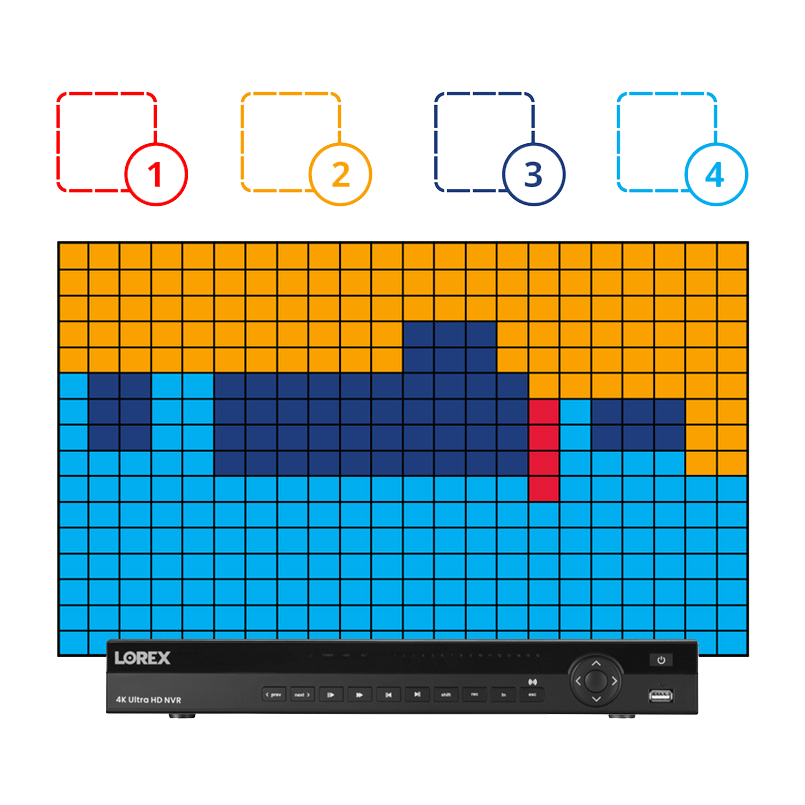
Regional
Motion Zones
Using the NVR, you can program specific motion zones so that they are customized for heightened sensitivity (the amount of motion needed to register that movement) and threshold (how much motion is needed before creating a motion "event").
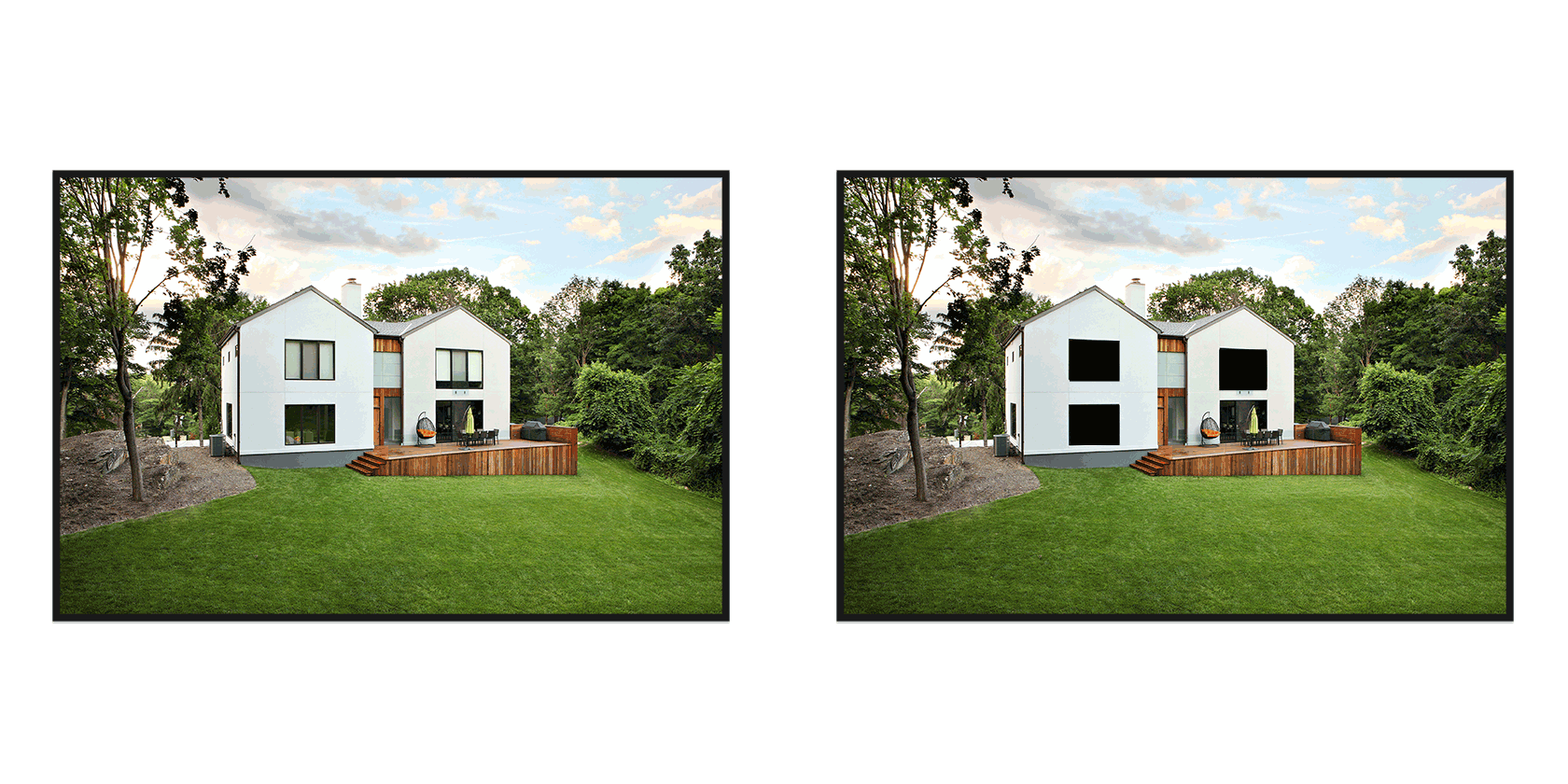
Privacy
Masking
In the event that the camera is facing areas that you do not want recorded, simply activate the privacy masking option. Use the NVR to draw a square around the spot(s) you don't want the camera to record.
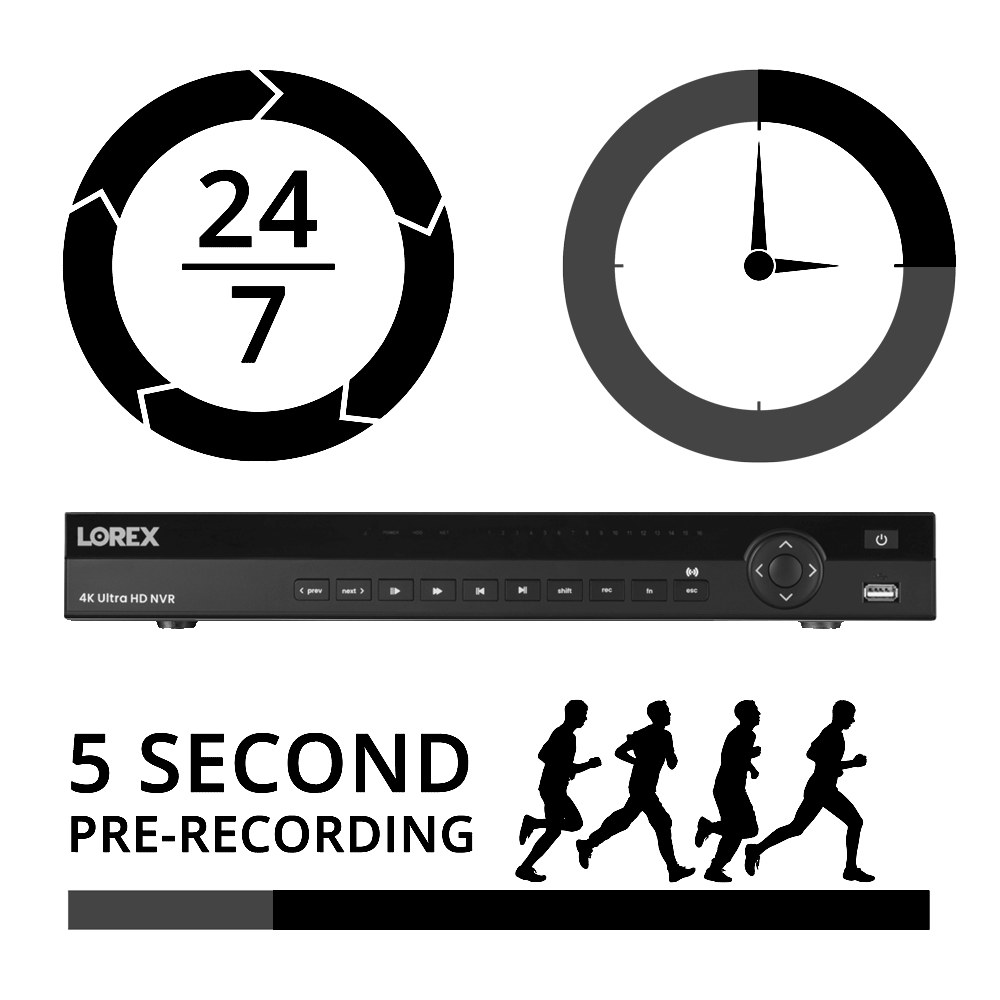
Multiple Recording
Options
Record security footage continuously, during scheduled times, or when movement is detected. Motion recordings include a pre-recording function that will go back to record the five seconds before activity is detected.
What's Included?
N882A38B
4K Ultra HD Network Video Recorder:


- Record and view video up to 4K (8MP) resolution1
- View live footage in up to 30fps and digitally zoom in on distant objects for better clarity
- 2 hard drive bays with up to 2 × 10TB of storage space
- Security grade hard drive designed for advanced processing and the workload of 24/7 recording
- Storage mirroring for continuous back-up of data from one hard drive to another
- Get Motion push notifications when motion from a person/vehicle is detected2
- Reduce unnecessary alerts and false alarms with advanced motion detection4
- Use Smart Search to filter motion events for reviewing footage quickly and easily
- This NVR system contains a built-in 16-channel capacity
Each N882A38B NVR Includes:
ACCLPS263B
16-Channel PoE Switch:


- Centralized power distribution - Easy all-in-one PoE switch
- 1 Gigabit rated RJ45/SFP port for fast device/network connection
- High speed transmission of IP surveillance data
- 220W total PoE power budget (up to 30.8W per port)
- Convenient Real-time PoE usage LED indicators
Each ACCLPS263B Includes:
LNB9282B
4K Motorized Varifocal Smart IP Bullet Security Camera Features:
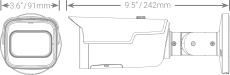
- 4K (8MP) Ultra HD resolution, ensuring clear and detailed footage1
- See more with a with up to 113° field of view, depending on the level of zoom desired
- Motorized varifocal lens provides 4× Optical zoom, enabling remote customization of your viewing area (and focus)
- Record at a real-time 30 frames-per-second, providing smooth and clearer footage2
- Reduce unnecessary alerts and false alarms with Smart Motion Detection3
- Receive motion notifications when only a Person or Vehicle is detected on your property from your Lorex App
- Enhanced nighttime clarity with Color Night Vision™4 thanks to an impressive large format lens
- Up to 150ft (46m) IR night vision in low light and 98ft (30m) in total darkness5
- Weatherproof rated (IP67)6
- Operates in temperatures low as -40°F (-40°C) and high as 140°F (60°C)
- Aluminum Alloy housing, designed to withstand harsh weather conditions
Each LNB9282B Includes:
1. 4K capable recorder (not included) is required to record video in 4K resolution. 4K TV (not included) is required to view live or pre-recorded 4K video.
2. Smart Motion Detection is enabled by default. When enabled, the camera's recording frame rate is reduced from 30 frames per second to 20 frames per second. To obtain the maximum of 30 frames per second, the camera must be connected to a recorder that supports the maximum frame rate. For a list of compatible recorders, please visit lorextechnology.com/compatibility
3. In order for Person and Vehicle detection to operate, this camera requires a connection to a compatible Lorex Network Video Recorder with smart motion detection technology. For a list of compatible recorders please visit lorextechnology.com/compatibility
4. Color nighttime video typically switches to black & white IR night vision when there is not sufficient ambient light to ensure optimal low-light image quality.
5. Stated IR illumination range is based on ideal conditions in typical outdoor nighttime ambient lighting (up to 98ft/30m in total darkness). Actual range and image clarity depends on installation location, viewing area and light reflection/absorption.
6. Not intended for submersion in water. Installation in a sheltered area recommended.
All trademarks belong to their respective owners. No claim is made to the exclusive right to use the trademarks listed, other than the trademarks owned by Lorex Corporation. We reserve the right to change models, configurations or specifications without notice or liability. Product may not be exactly as shown. Images are simulated.