Lorex Smart Home Security

Stay Connected. Stay Aware. Stay in Control. 

Smart home security is about easy peace of mind. Whether you're checking in on loved ones, seeing who’s at the door, or making sure your home is safe while you're away, Lorex Smart Home devices give you instant awareness and the time to act when it matters.  

Why Choose Lorex Smart Home

eyeball icon

Peace of Mind

Instantly see what’s happening at home from your phone — whether you’re at work, on vacation, or just in another room.

Wi-Fi icon

Effortless Setup

Wireless installation makes it easy to get started without running cables or using a recorder. 

brain icon

Smarter Awareness

AI-driven detection helps filter out unnecessary alerts so you only get notified about what matters. 

hand icon

Everyday Convenience 

Check in on pets, talk to visitors, manage deliveries, or unlock the door for family members — all with a tap. 

smartphone icon

Flexible, App-Driven Control

Check in on pets, talk to visitors, manage deliveries, or unlock the door for family members — all with a tap. 

hard drive HDD icon

Local Storage with No Monthly Fees

Most Lorex smart home cameras offer local storage using microSD cards, giving you private, subscription-free access to your recordings. MicroSD cards may be included or sold separately depending on the model. 

cloud storage icon

Optional Cloud Storage

Many Lorex smart home cameras support cloud storage for secure off-site protection. Lorex Connect cloud plans also unlock advanced benefits such as AI Smart Search (coming soon). 

Lorex Smart Home products keep you connected, aware, and reassured — giving you confidence that everything is okay at home. 

Smart Home Cameras & Devices

Indoor Cameras

Indoor Wireless (Wi-Fi) Cameras – Peace-of-Mind from Anywhere

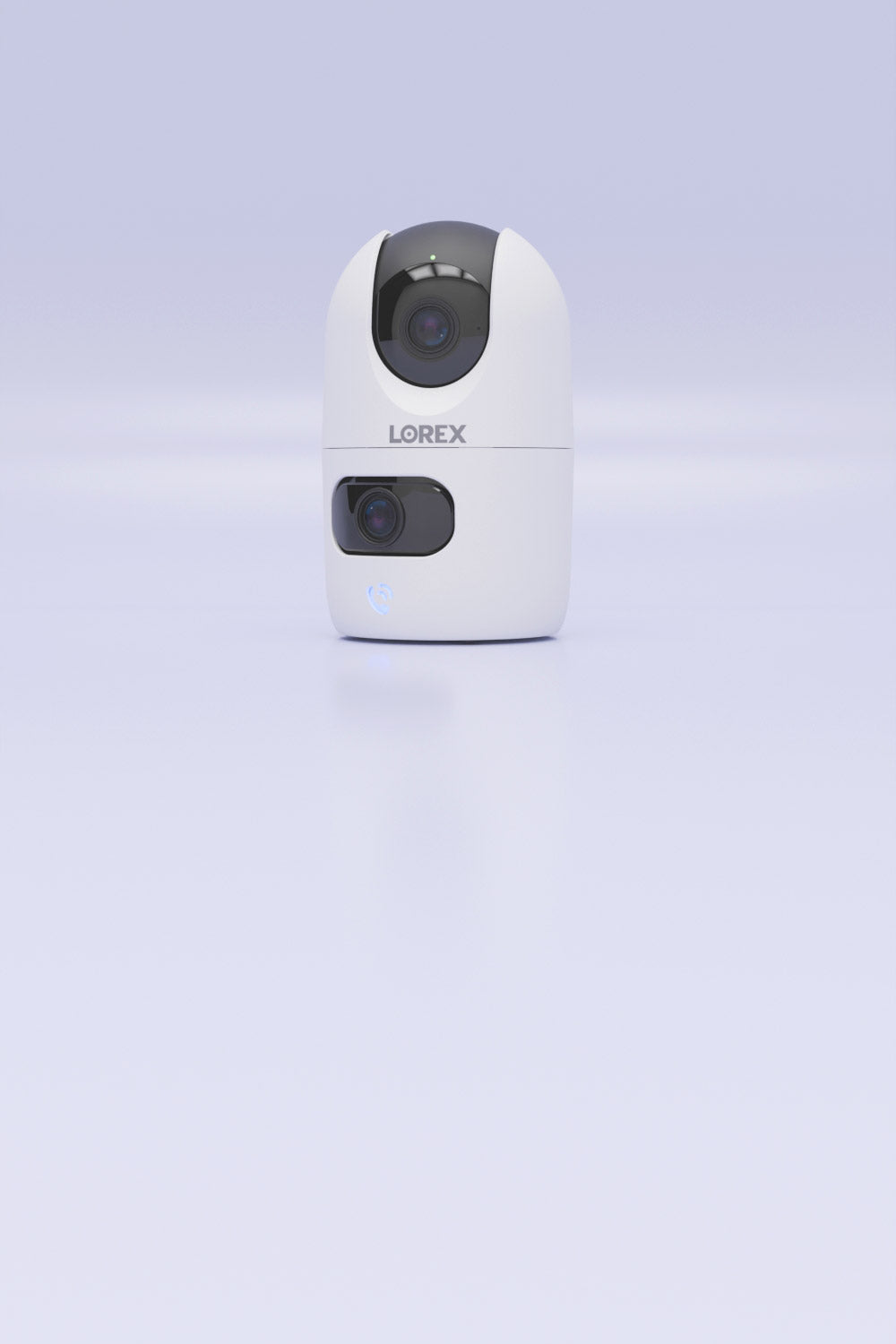
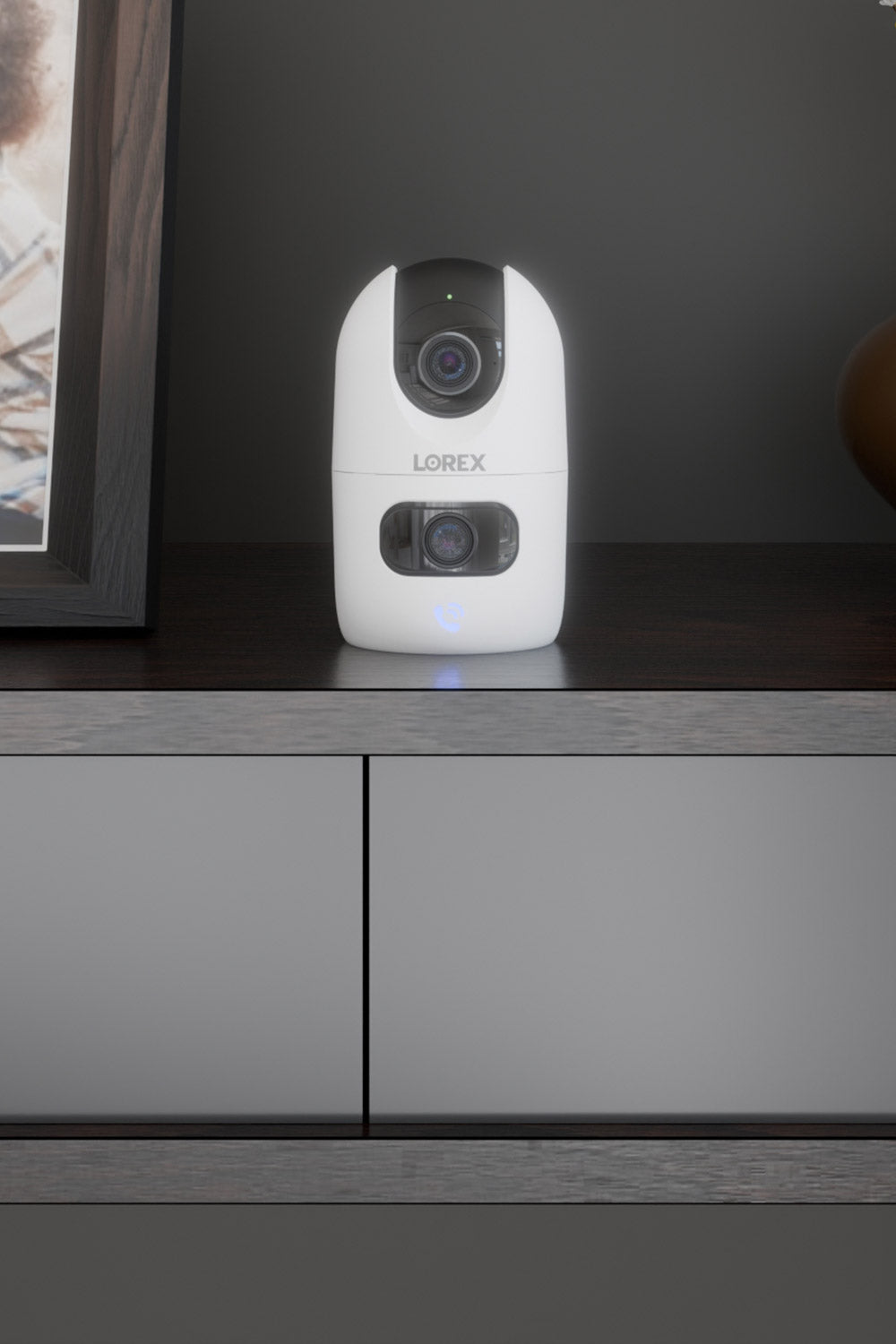
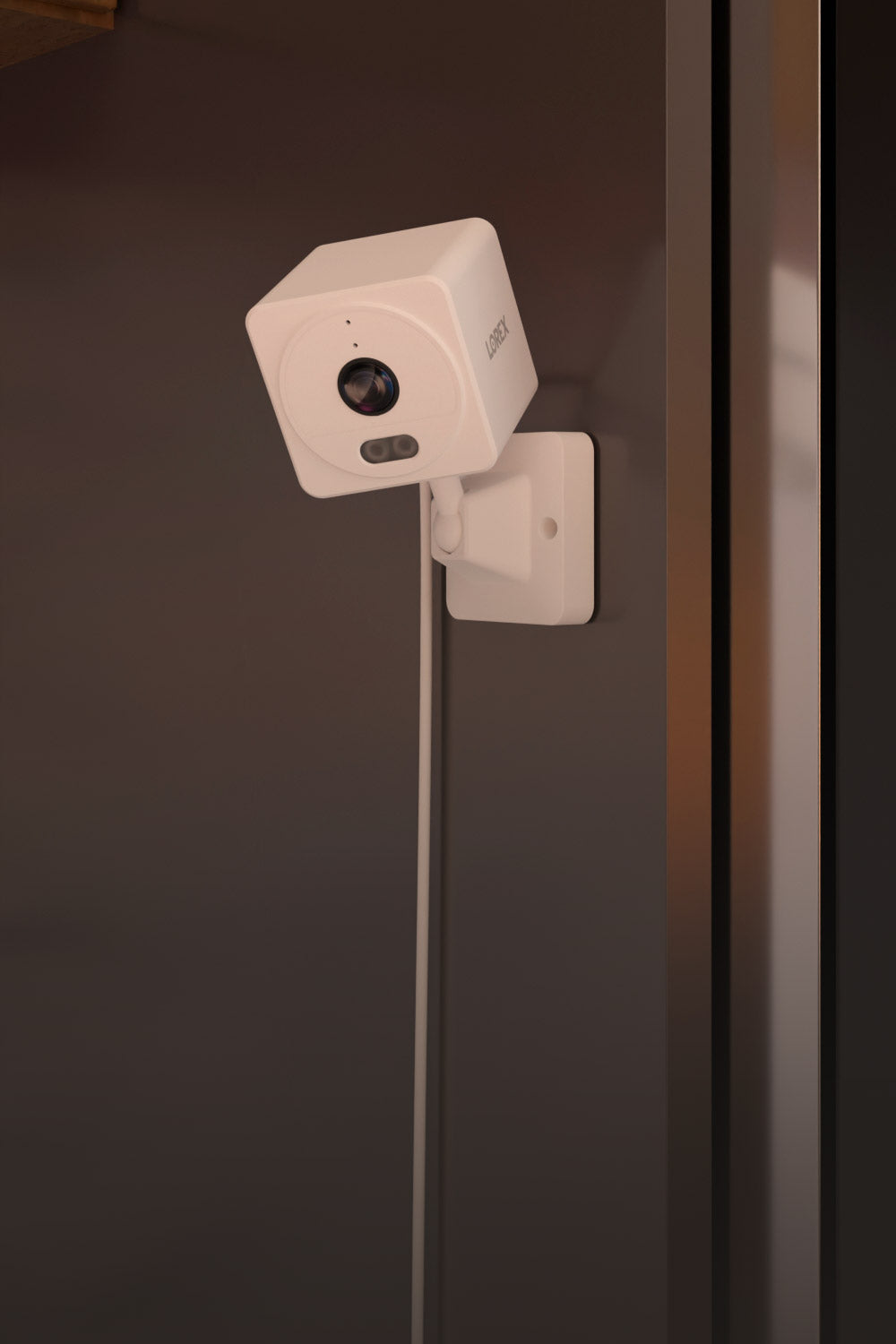
Indoor cameras help you stay connected to the people and things that matter most. Perfect for apartments, families, pet owners, garages, or anyone who wants reassurance while they’re away from home.

KEY FEATURES
  • Plug-and-play installation
  • Mount or move as needed
  • 2-way talk
  • Smart motion detection
  • Privacy modes

Indoor cameras are less about security and more about comfort, connection, and awareness — knowing your home and loved ones are safe.

Cloud Storage Security Cameras

Cloud Storage offers an easy and secure way to keep your recordings protected off-site. Even if your device is damaged or removed, your important events remain safely stored in the cloud and accessible.

Choosing the Right Smart Home Setup 

No two homes are alike. Explore how different smart home devices can work together to create a more connected, convenient, and secure living experience.  

Small Homes & Apartments

Smaller spaces benefit most from simple, essential coverage. A video doorbell helps you see visitors and manage deliveries, while one or two indoor cameras let you check in on pets, kids, or daily activity. This setup keeps things straightforward while still giving you reliable peace of mind when you're away.

Single-Family Homes

With more entry points and outdoor space, single-family from additional coverage. Outdoor Wi-Fi cameras can monitor driveways, side yards, and backyards, while indoor cameras and a doorbell help you stay aware of what’s happening throughout the home. This creates balanced protection inside and out.
 

Larger Properties

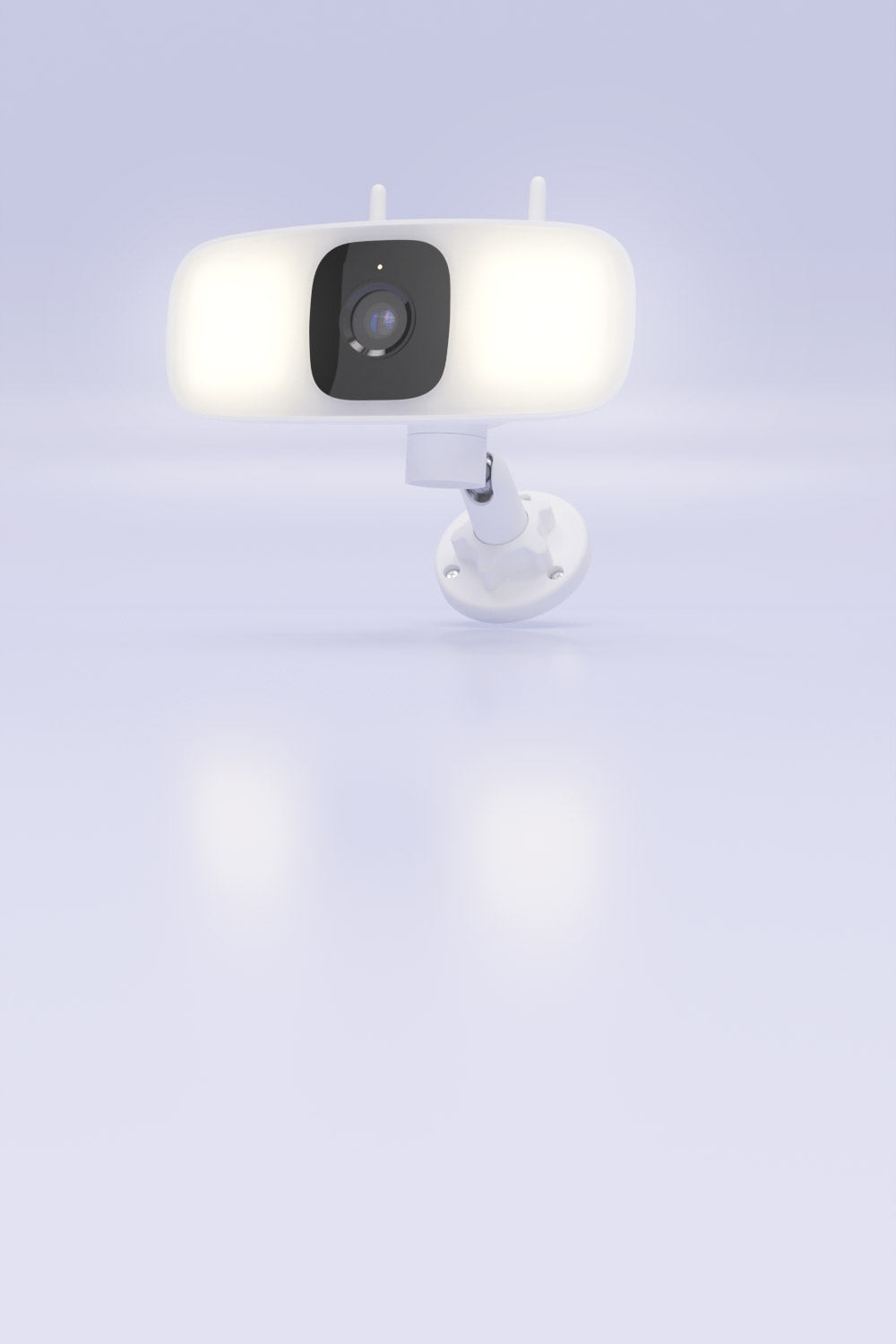
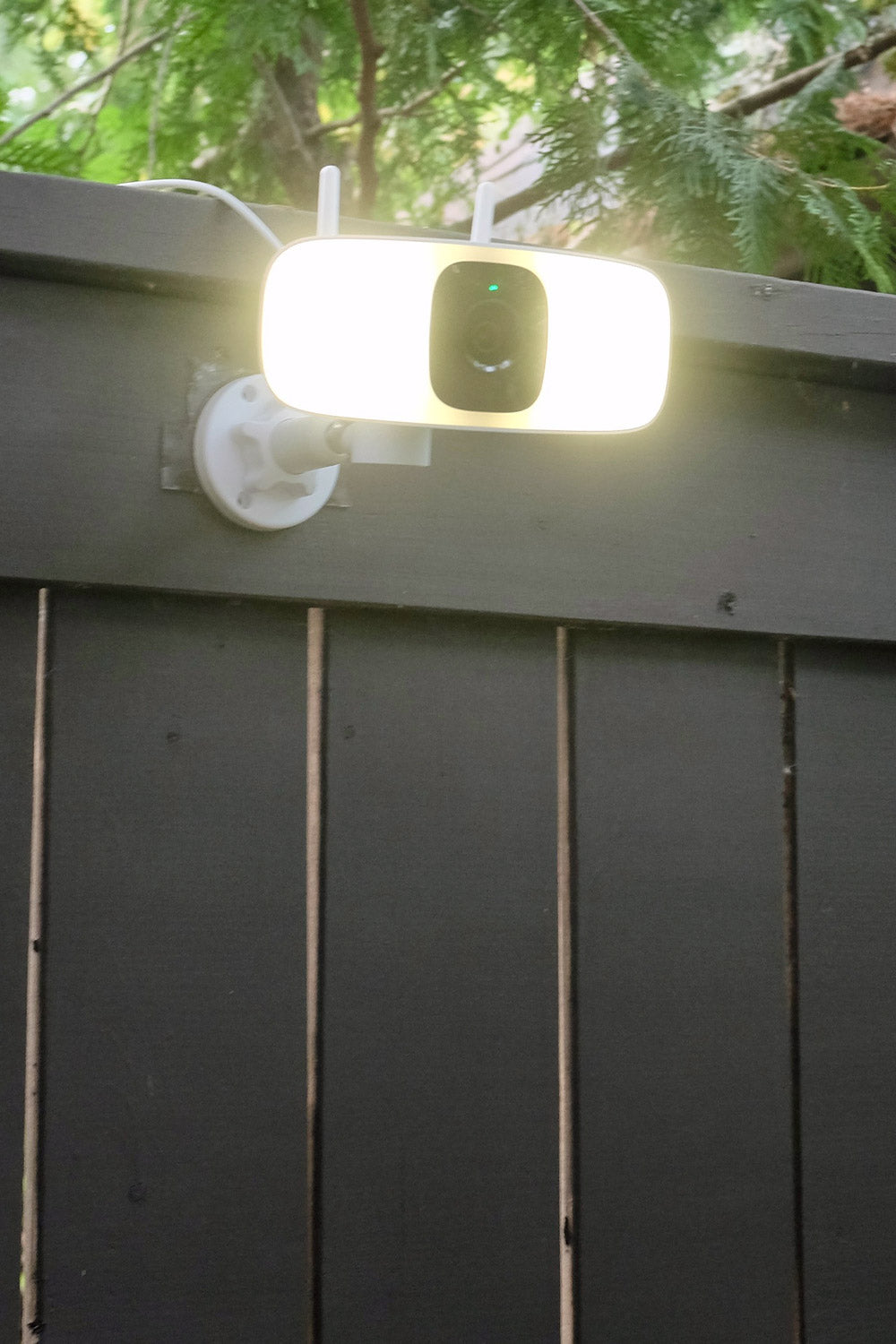
Bigger homes and properties often require layered security. Floodlight cameras illuminate and deter activity around darker areas, outdoor Wi-Fi cameras extend monitoring across the perimeter, and doorbell cameras and smart locks can help manage entry ways. Combined, these devices provide wide-ranging visibility and control across your entire property.

Smart Home Use Cases

Check In Anytime

Make sure kids got home safely, see if your pet is okay, or simply check that everything looks normal while you’re away.

Front Door Awareness

See who’s there before answering. Manage deliveries, screen visitors, and respond without opening the door.

Active Outdoor Protection

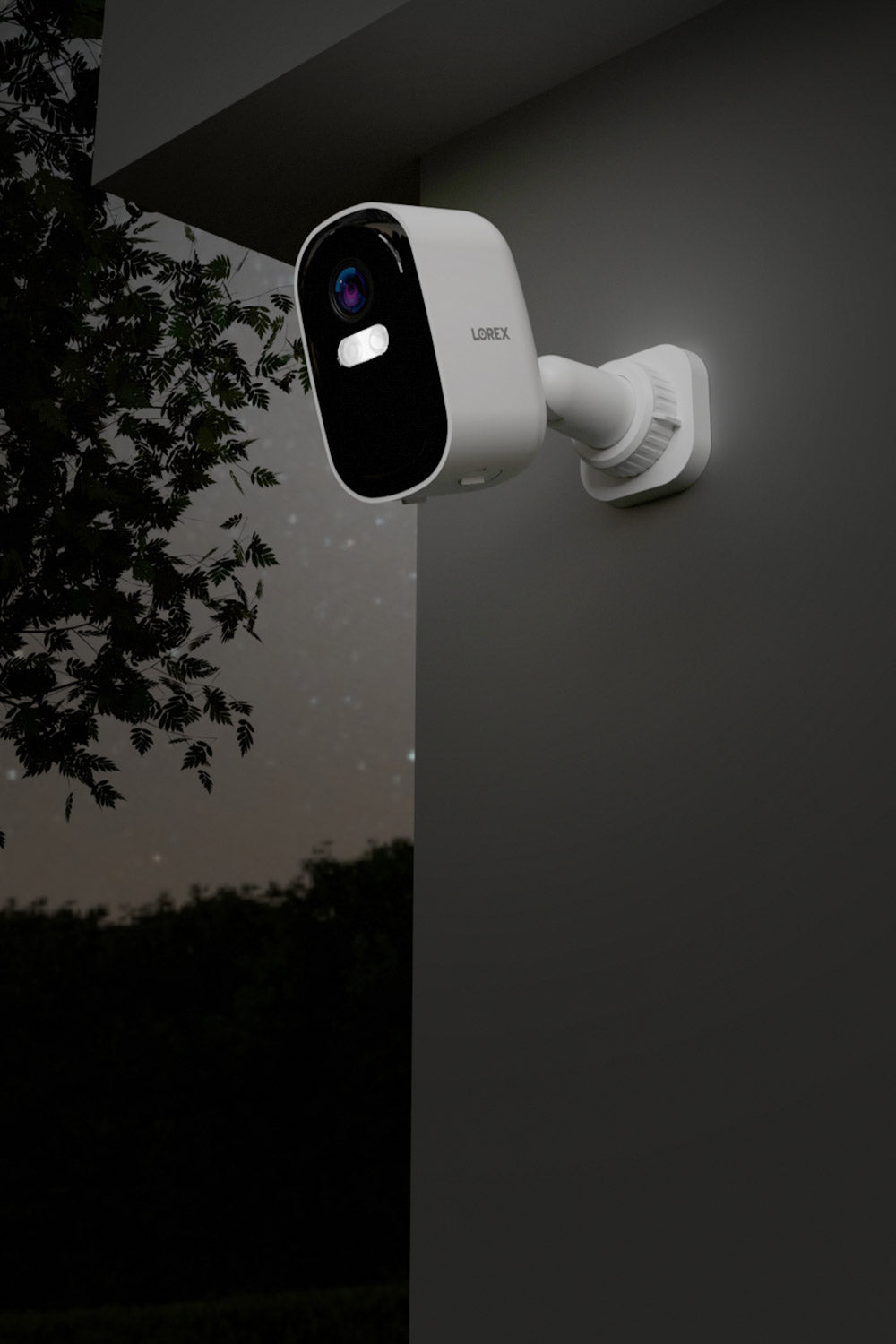
Get notified of motion, deter intruders with floodlights or sirens, and stay aware of what’s happening around your home. 

Travel with Confidence

Whether you’re out for the day or across the country, your home is never out of reach.

Rental & Guest Managment

Smart locks and cameras make it easy to manage access and keep an eye on rental properties. 

Elderly Care & Safety

Check in on aging loved ones at home with live viewing, alerts, and two-way communication. 

Accessories for Smart Home Products

1. MicroSD Cards

Expand your camera’s local storage for easy, subscription-free video recording and quick access to events. 

Shop Security Storage (HDD & MicroSD) >

2. Doorbell Chimebox

Hear real-time doorbell alerts inside your home, even when your phone isn’t nearby.

Shop All Doorbell Accessories >

3. Lightbulb Extenders

Improve placement and viewing angles for lightbulb cameras by adding extra clearance and flexibility during installation. 

Shop All Lightbulb Extenders >

4. Solar Panels

Keep supported battery-powered cameras charged longer with energy-efficient solar power for worry-free, low-maintenance performance. 

Shop All Solar Panels >


Frequently Asked Questions

What is a smart home security camera?

A smart home security camera connects to your Wi-Fi and lets you monitor your home from anywhere using a mobile app. These cameras are considered “smart” because they use intelligent features—like motion alerts, two-way talk, night vision, and AI detection—to keep you aware of activity indoors or outdoors. Many models also integrate with smart home platforms such as Amazon Alexa and Google Home for hands-free voice control.

Do Lorex smart home cameras require a subscription?

Most Lorex smart home cameras do not require a subscription. They include or support a microSD card slot for local video recording, giving you private, subscription-free access to your footage. (MicroSD cards are not included with all models.)

Can smart home cameras record without internet?

Most Lorex Wi-Fi cameras can continue recording to a microSD card even if the internet goes down. While you won’t receive mobile alerts or have remote access during the outage, recordings are stored locally and can be viewed once the connection is restored.

Do smart home cameras need Wi-Fi to work?

Yes, smart home cameras require Wi-Fi for setup, live viewing, notifications, and remote access. Some models can record locally to a microSD card without Wi-Fi, but you’ll need an internet connection to access footage from your phone or receive alerts.

Can I mix different Lorex smart home devices together?

Yes. Many Lorex smart home devices can be managed together if they use the same app platform, either Lorex Connect or Lorex Classic.

What’s the difference between wired and wireless (Wi-Fi) security cameras?

Wired security cameras connect directly to an NVR or DVR for constant power and recording. Wireless cameras use Wi-Fi for connectivity and app control, offering easier installation and flexible placement.

How far can a wireless security camera be from my Wi-Fi router?

Most Wi-Fi cameras work best within 50–100 feet of your router, depending on walls and interference. For larger homes, adding a Wi-Fi extender or mesh network can improve signal strength and help cameras stay connected.

How do i install smart home security cameras?

Smart home security cameras are typically installed by mounting the camera, connecting it to power (such as an AC adapter, existing electrical wiring like doorbells or hardwired floodlights, or a battery) and pairing it to your Wi-Fi using a mobile app.

Are Lorex smart home cameras secure?

Yes. Lorex smart home cameras use secure device pairing, end-to-end encryption, and local microSD storage to protect your data. Cloud storage, when used, is also encrypted and stored on secure servers to ensure your recordings remain protected.

Can smart home cameras record without internet?

Most Lorex Wi-Fi cameras can continue recording to a microSD card even if the internet goes down. While you won’t receive mobile alerts or have remote access during the outage, recordings are stored locally and can be viewed once the connection is restored.

Can smart home cameras record without internet?

Most Lorex Wi-Fi cameras can continue recording to a microSD card even if the internet goes down. While you won’t receive mobile alerts or have remote access during the outage, recordings are stored locally and can be viewed once the connection is restored.

Where should I place smart home cameras?

Indoor wireless cameras are ideal for living rooms, hallways, nurseries, and entry points. Outdoor wireless cameras should cover driveways, porches, walkways, side yards, and backyard areas. Floodlight cameras work best near garages or dark corners that need illumination and detection.

Where not to install security cameras?

Avoid placing security cameras in private areas where people reasonably expect privacy, such as bathrooms, bedrooms, or inside changing areas. Outdoors, do not position cameras directly into your neighbor’s windows or private spaces, as this can violate local privacy laws.

Do wireless security cameras support continuous recording?

Wireless security cameras may support continuous local recording, but they are typically designed for motion-based recording to manage storage more efficiently. Cloud subscriptions support event-based recording only.

Are smart home cameras weatherproof?

Outdoor Lorex Wi-Fi cameras and floodlights are rated for year-round use with weather-resistant housings. Always check the product’s IP rating to ensure it matches your climate and installation needs.

Are Lorex smart home devices compatible with smart assistants?

Select Lorex smart home devices support Amazon Alexa™ and Google Assistant™ for features like live viewing and basic voice controls. Compatibility varies by model, so always check product specifications for details.

What happens if someone steals my camera?

For cloud-storage cameras, recordings saved to the cloud remain accessible even if the camera is removed. For cameras that record only to local storage, footage stored on the device may not be recoverable if the camera is taken, which is why secure mounting and optional cloud backup are recommended whenever possible.

Popular Collections

Frequently Asked Questions About Lorex

Collapsible content

Why Is Lorex a Leader in Home and Business Security?

Proudly founded and still headquartered in Markham, ON, Canada, Lorex is a trusted provider of security cameras and complete security camera systems, serving consumers for over 30 years. We are recognized for delivering high-quality DIY security solutions with user-friendly, reliable, and advanced security technology for both homes and businesses.

Lorex products are available through authorized retailers and our official online store. With headquarters in Markham, Ontario, Canada, and Linthicum, Maryland, USA, and warehouses in Indiana, California, and Canada, we ensure fast and efficient delivery to our customers.

Why do I need security cameras?

Investing in security cameras for your home or business offers several crucial benefits:

Crime Deterrence – Visible security cameras can discourage potential intruders before they act.

24/7 Surveillance – Lorex security cameras provide high-quality recordings, including 4K video resolution and night vision, capturing every important detail.

Remote Monitoring – Stay connected with your security system through Lorex mobile apps that allow real-time viewing from anywhere.

Evidence Collection – In case of an incident, recorded footage can serve as vital proof for authorities.

Peace of Mind – Enjoy enhanced home security and workplace safety with smart monitoring features like motion detection, two-way talk, and smart home integration.

Do Lorex security cameras support cloud storage?

Yes, Lorex provides optional Lorex Cloud Storage plans to enhance the security and convenience of your video footage. These plans are designed for select compatible Lorex Cloud Storage Cameras, offering an additional layer of protection by securely storing your recordings in the cloud. This ensures your footage is safe from risks like theft, damage, or local storage failure.

Key features of Lorex Cloud Storage include:

Flexible storage options – Access your recorded video footage for up to 30 days.

High-resolution recording support – Cloud storage supports resolutions up to 4K for detailed and crisp video playback.

Secure and remote access – View, download, and share your recordings from anywhere - even if your camera doesn't have power.

Lorex offers different plans tailored for single or multiple cameras at a single location. While Lorex Cloud Storage Cameras include built-in local storage and do not require a subscription to function, a cloud subscription provides added convenience and peace of mind.

How do I install Security Cameras?

Lorex security cameras are designed for easy DIY installation, with options suited for different home or business setups:

Wired Security Cameras & Systems: These systems require a physical cable connection between the camera and the Security Recorder (NVR or DVR)

Wireless (Wi-Fi) Security Cameras: Indoor and Outdoor Wireless Cameras connect wirelessly to your network but require power through an outlet. In some cases, such as with wired Doorbell Cameras and Floodlight Security Cameras, they are hardwired into your existing doorbell or light fixture wiring for power.

Battery-Operated Cameras & Systems: Battery-operated security cameras offer completely cord-free surveillance with rechargeable power. Available in two types: some integrate with security systems, wirelessly transmitting footage to a recorder for centralized storage, while others function as Wireless Cameras with local and/or Lorex Cloud Storage, connecting directly to your network for remote access via the Lorex app.

For a step-by-step installation guide, check out our How to Install Security Cameras article.

Are Lorex security cameras compatible with smart home devices?

Yes, many Lorex smart home security cameras and Security Recorders are designed to integrate seamlessly with smart home devices, enhancing convenience and connectivity. Lorex cameras work with popular platforms such as:

Amazon Alexa: Use voice commands to display live camera feeds on Alexa-enabled devices like Echo Show or Fire TV.
Google Assistant: View your security camera’s footage on Google Nest Hub or Chromecast-enabled devices with simple voice prompts.

By connecting Lorex cameras to your smart home devices, you can centralize your home automation system and monitor your property more efficiently. Compatibility may vary by camera model, so be sure to check product specifications.

Can I access my security cameras remotely?

Yes, both Lorex Wired Security Systems and Lorex Smart Home Wireless (Wi-Fi) Security Cameras offer robust remote viewing capabilities through their suite of Lorex mobile apps, allowing you to monitor your property from virtually anywhere. Depending on your specific device and/or system, you can utilize apps such as the Lorex App, Lorex Cirrus App, or Lorex Pro App.

Key features across these apps include:

Live View and Playback: Watch real-time footage and review recorded videos directly from your mobile device.

Motion Event Timelines: Easily locate and review motion events with organized timelines, eliminating the need to sift through hours of footage.

Motion Notifications: Receive instant alerts for motion events, keeping you informed of any activity.

Camera and System Settings: Customize various settings, including resolution adjustments, recording preferences, and motion detection zones, to tailor the system to your needs.

Save Videos and Snapshots: Manually record and save important video clips or snapshots for future reference or sharing.

These applications are available for both iOS and Android devices, providing a user-friendly interface to manage your security system efficiently. For more detailed information and to determine the best app for your specific system, please visit Lorex Mobile Apps page.

Why Buy Security Cameras from Lorex?

Choosing Lorex means investing in high-quality security solutions designed to deter crime, capture every moment (good or bad), and protect what matters most.

Industry Expertise – Over 30 years of experience in developing cutting-edge security technology.

Top-Tier Features – Includes 4K Ultra HD recording, Color Night Vision, Smart Motion Detection, and Active Deterrence.

Highly Rated Apps – Stay connected to your security system with intuitive Lorex mobile apps, designed for seamless remote viewing, playback, and notifications.

No Monthly Fees Required — Lorex gives you the option for local storage with built-in microSD slots or hard drive bays.

Reliable Customer Support – Enjoy free shipping (over $100), a 1-year warranty, and a 30-day money-back guarantee for worry-free purchases. Need help? Contact Us for anything from pre-purchase questions to technical support.

Have more questions?

Visit our Frequently Asked Questions (FAQ) page to learn more about Lorex security cameras, technology, and Lorex mobile app features.